Best Free Illustration Libraries for Designers (2026)

The best free illustration libraries for designers in 2026. Customizable, diverse, and production-ready. Curated for consistency and usability, not just quantity.

Every landing page needs illustrations. Every onboarding flow wants them. Every empty state looks better with one. But finding free illustrations that don’t look like clip art from 2008 is harder than it should be. Most “free illustration” sites give you 30 variations of the same person pointing at a screen.

We tested these libraries against three standards: can you customize them without Illustrator, do they actually look consistent when used together, and are the licenses clear enough that you don’t need a lawyer? If the answer to any of those was no, they didn’t make the list.

Customizable Character Illustrations

Humaaans
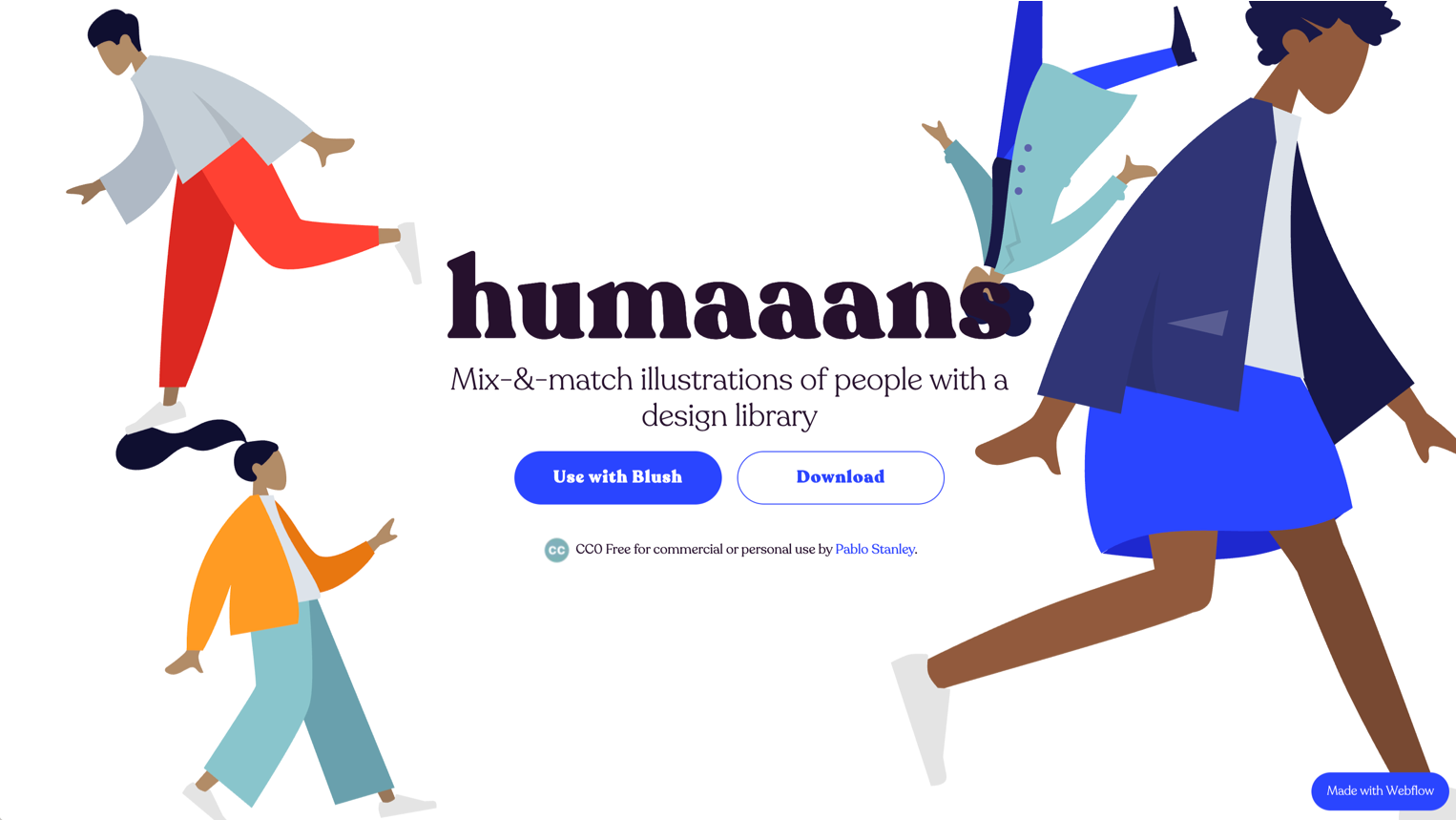
Mix-and-match people illustrations by Pablo Stanley. Best for team pages, user representations, and onboarding screens that need diverse characters. Swap hairstyles, clothing, body positions, and accessories

Mix-and-match people illustrations by Pablo Stanley. Best for team pages, user representations, and onboarding screens that need diverse characters.
Swap hairstyles, clothing, body positions, and accessories

  • Figma, Sketch, and InVision Studio libraries available
  • The modular system means you can create hundreds of unique combinations
  • License: Free for personal and commercial use
  • Why it works: The mix-and-match system means your illustrations look custom even though they’re free. Most “people” illustrations lock you into specific poses. These don’t.

Open Peeps
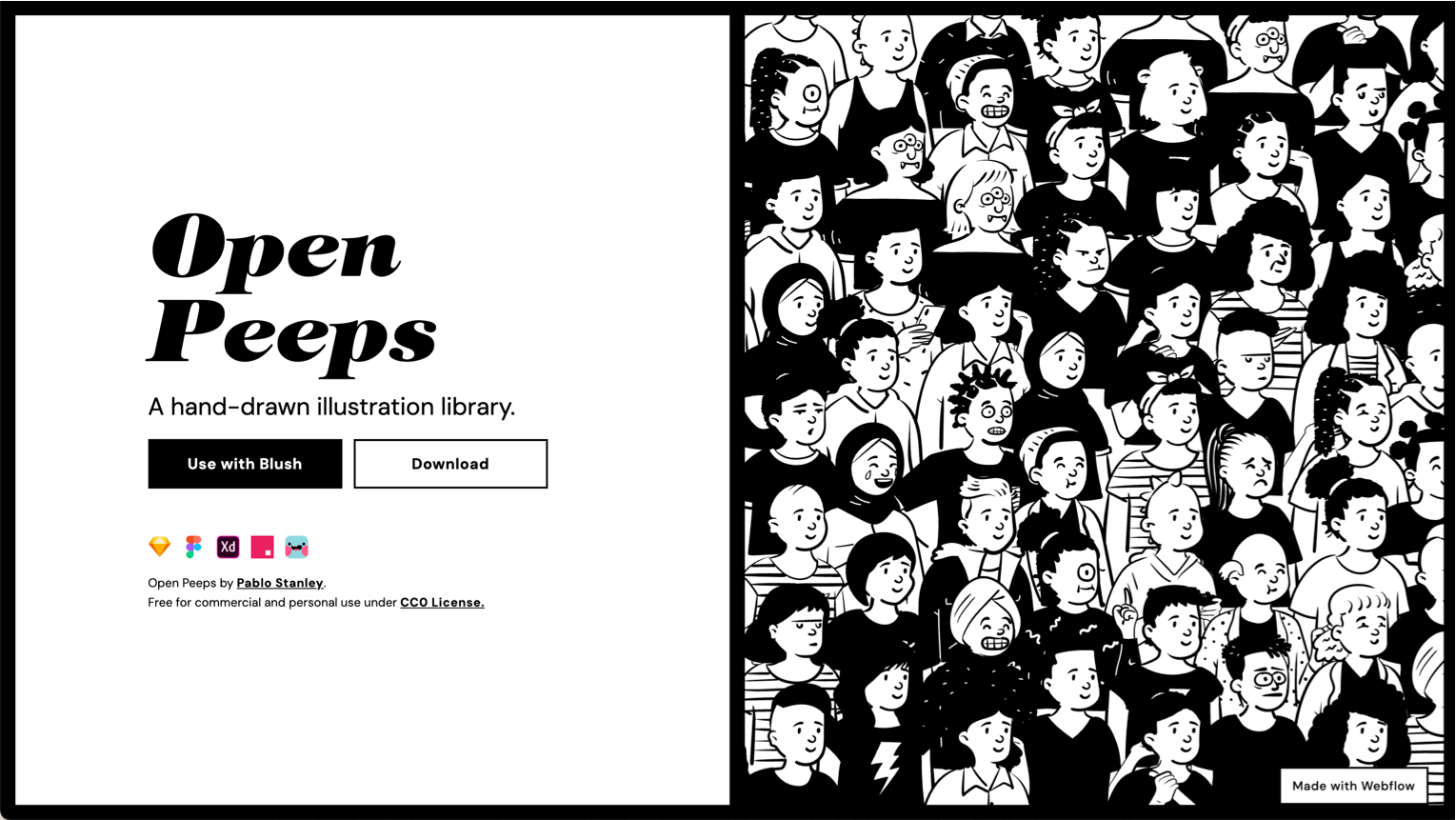
Hand-drawn character illustration library. Also by Pablo Stanley. Best for projects that need a warmer, more informal feel.

Hand-drawn character illustration library. Also by Pablo Stanley. Best for projects that need a warmer, more informal feel.

  • Hand-drawn line art style with a playful, approachable vibe
  • Vector-based, editable in any design tool
  • Mix-and-match heads, bodies, and poses
  • License: CC0 (public domain). Use however you want.
  • Skip if: You need a polished, corporate aesthetic. These are intentionally loose and sketchy.

Blush
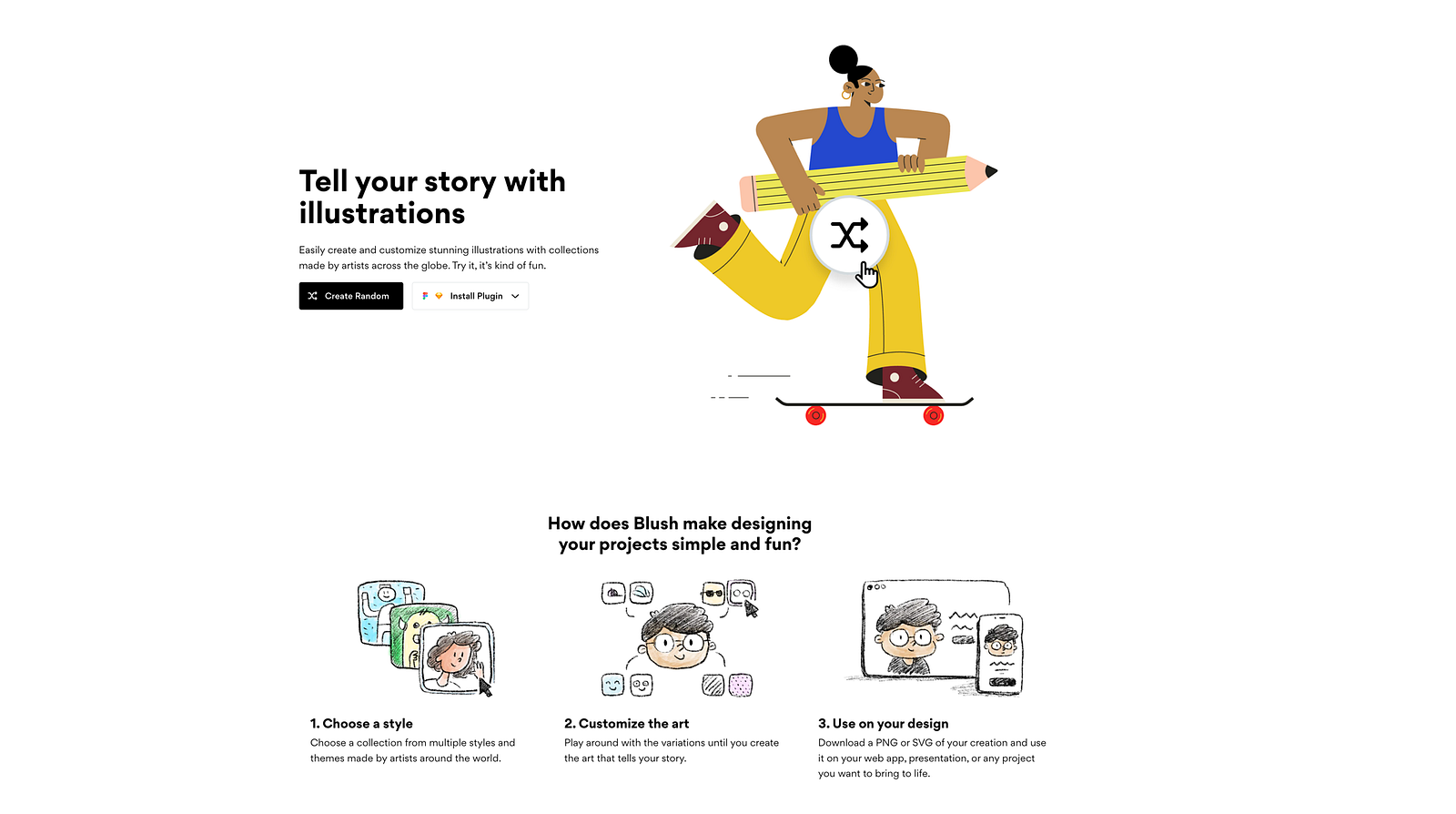
Multiple artist collections with in-browser color and composition customization. Best for landing pages and marketing where you need variety across styles.

Multiple artist collections with in-browser color and composition customization. Best for landing pages and marketing where you need variety across styles.

  • Collections from different illustrators: each has its own visual language
  • Customize colors, composition, and elements before downloading
  • SVG and PNG export
  • License: Free tier available. Premium for full access and commercial use without attribution.
  • Why it works: The variety of artist collections means you can find a style that matches your brand, not a generic “tech illustration” look.

DrawKit
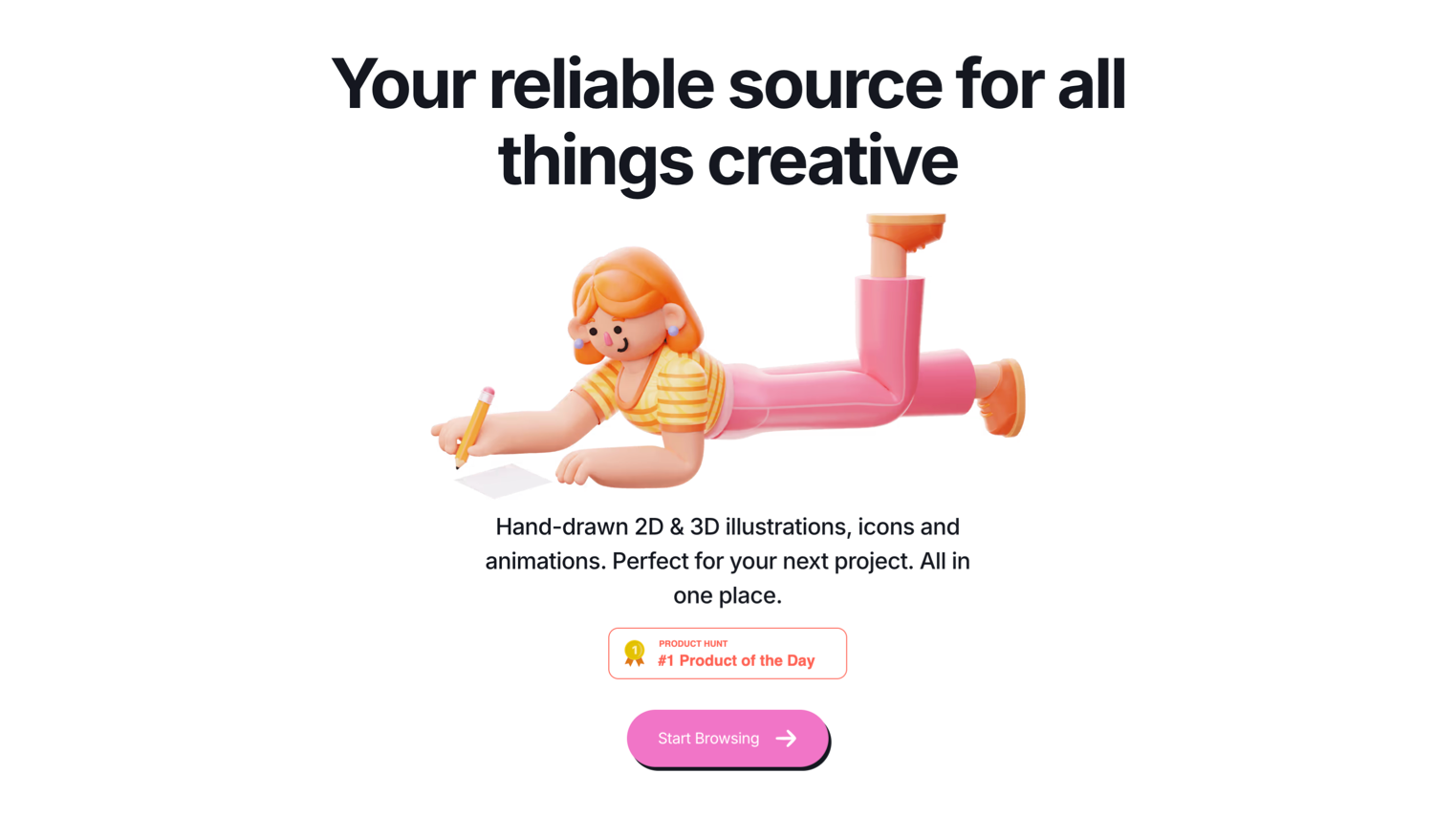
Clean, modern illustrations in multiple styles (flat, hand-drawn, 3D). Best for tech startups and SaaS landing pages.

Clean, modern illustrations in multiple styles (flat, hand-drawn, 3D). Best for tech startups and SaaS landing pages.

  • Consistently high production quality across all styles
  • Scene and character illustrations, plus icons and animations
  • SVG and PNG formats
  • License: Free tier with attribution. Premium for full commercial use.
  • Why it works: The style range covers most startup and tech contexts without looking generic.

unDraw
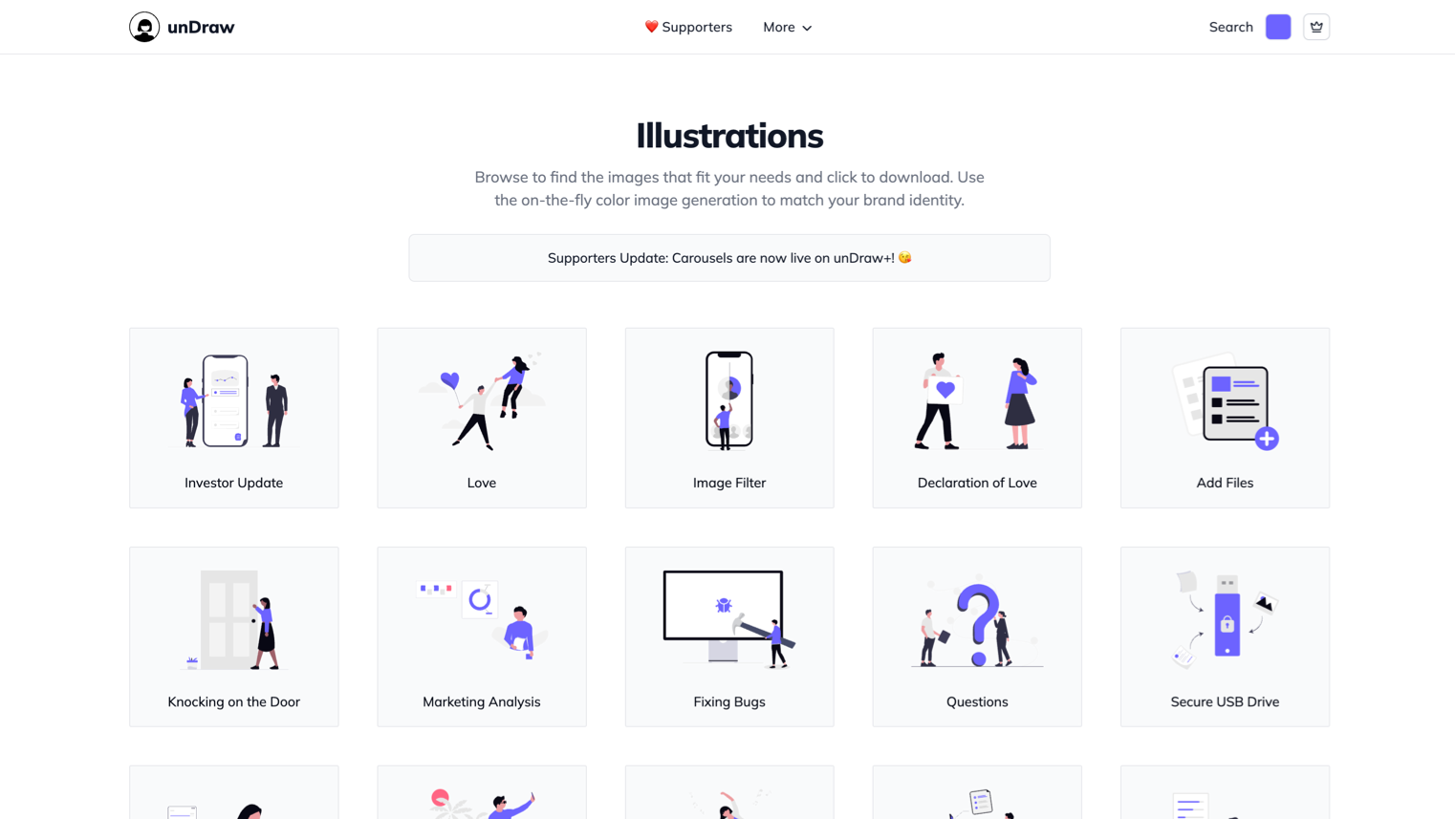
Open-source flat illustrations with instant color customization. Best for SaaS landing pages, empty states, and presentations.

Open-source flat illustrations with instant color customization. Best for SaaS landing pages, empty states, and presentations.

  • Pick any brand color and every illustration adapts instantly
  • 500+ scenes covering tech, business, communication, and abstract concepts
  • SVG and PNG download
  • License: MIT. No attribution needed. Full commercial use.
  • Why it works: The one-click color change is genuinely useful. Your illustrations match your brand in seconds, not hours.

Storyset
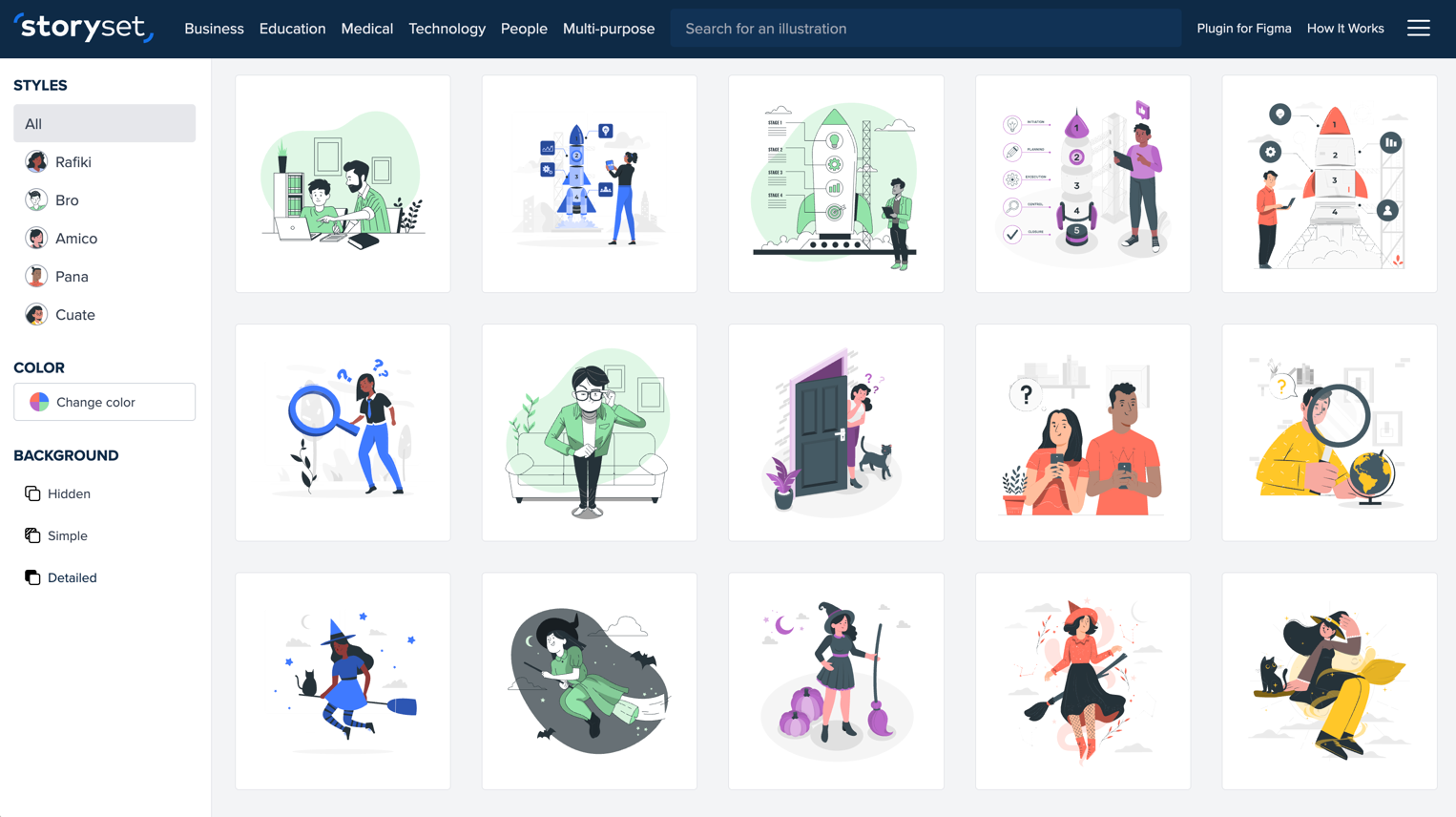
By Freepik. Illustrated scenes with deep customization and built-in animation. Best for presentations, onboarding flows, and content that benefits from motion.

By Freepik. Illustrated scenes with deep customization and built-in animation. Best for presentations, onboarding flows, and content that benefits from motion.

  • Choose a style (flat, simple, or detailed), then customize colors, elements, and background
  • Animated versions available as GIF or embed code
  • Wide topic coverage: business, technology, health, education, social
  • License: Free with attribution. Premium for attribution-free use.
  • Why it works: The animation option makes these illustrations work harder than static alternatives. An animated empty state feels more polished than a static one.

ManyPixels
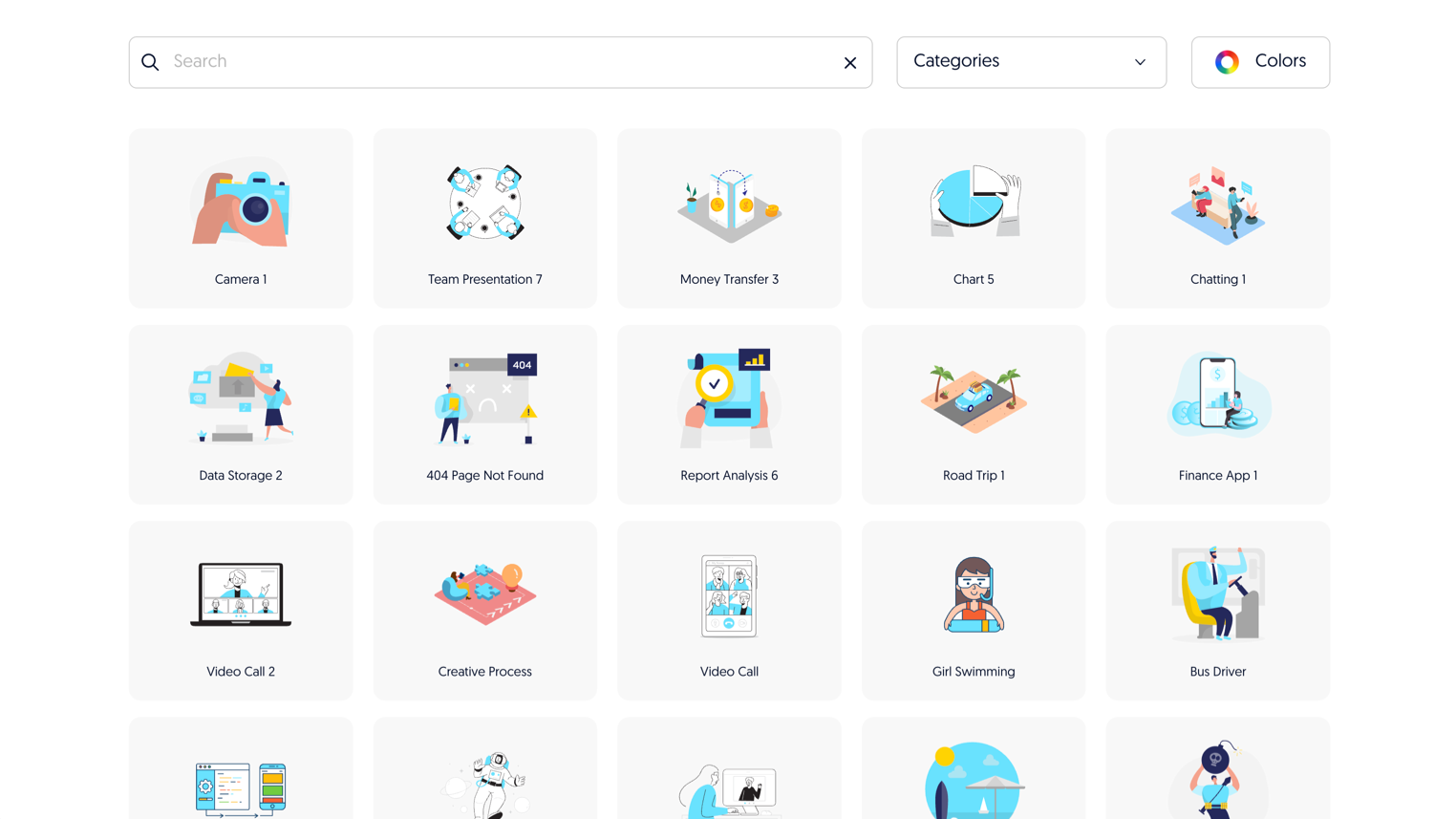
2,500+ flat and isometric illustrations. Best for business and technology contexts.

2,500+ flat and isometric illustrations. Best for business and technology contexts.

  • Consistent style across a massive library
  • Isometric style option (relatively rare among free libraries)
  • SVG and PNG formats
  • License: Free for personal and commercial use. No attribution required.
  • Why it works: The isometric style fills a gap. Most free illustration libraries only offer flat. If your design uses isometric elements, this is one of the few free options that works.

IRA Design
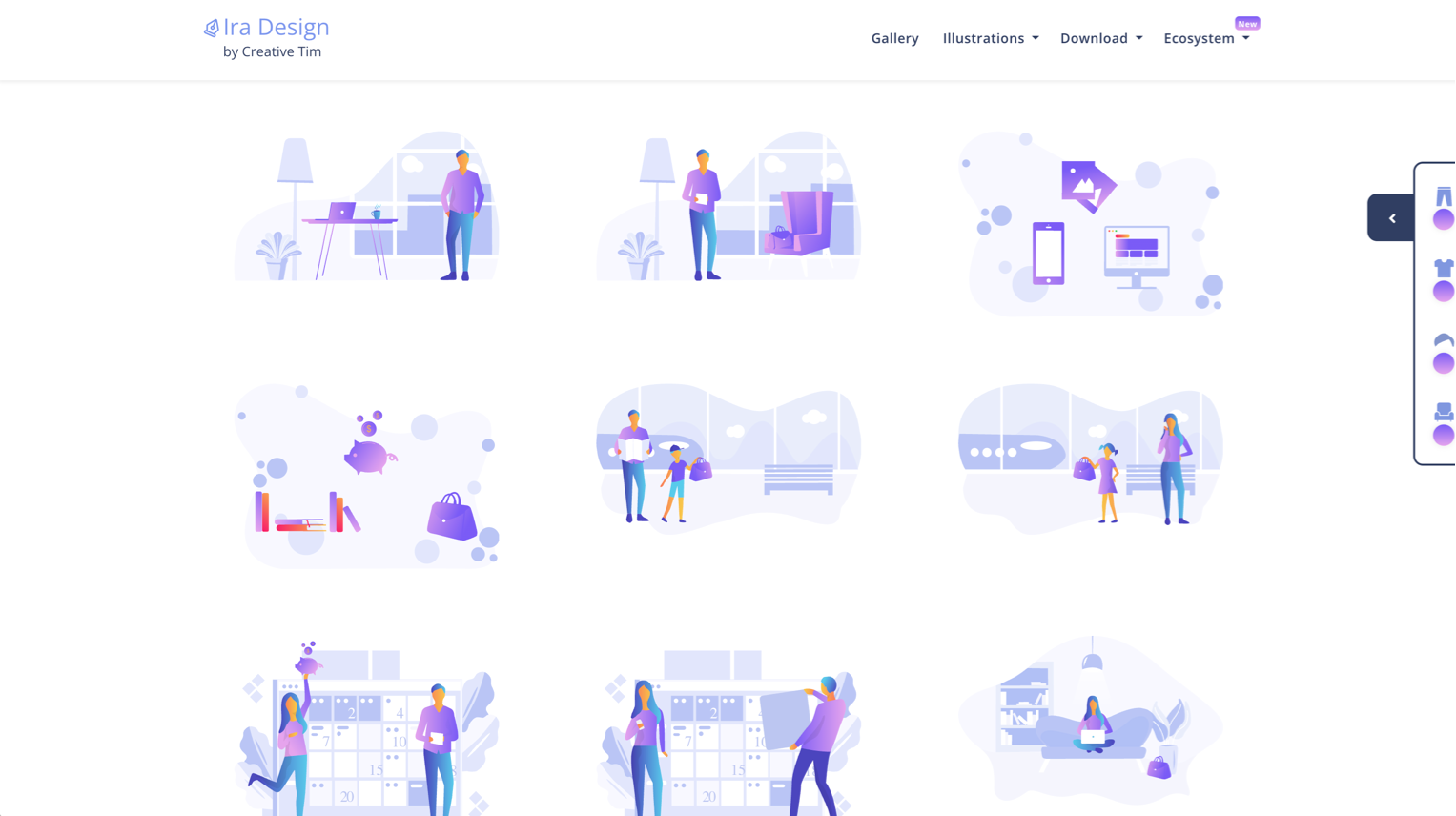
Gradient-style illustrations with a mix-and-match component system. Best for modern SaaS products with a vibrant color palette.

Gradient-style illustrations with a mix-and-match component system. Best for modern SaaS products with a vibrant color palette.

  • Five gradient color combinations to choose from
  • Characters, objects, and backgrounds can be combined
  • SVG format
  • License: MIT. Free for personal and commercial use.
  • Skip if: You’re going for a minimal aesthetic. These are colorful and bold by design.

3D Illustrations

Shapefest
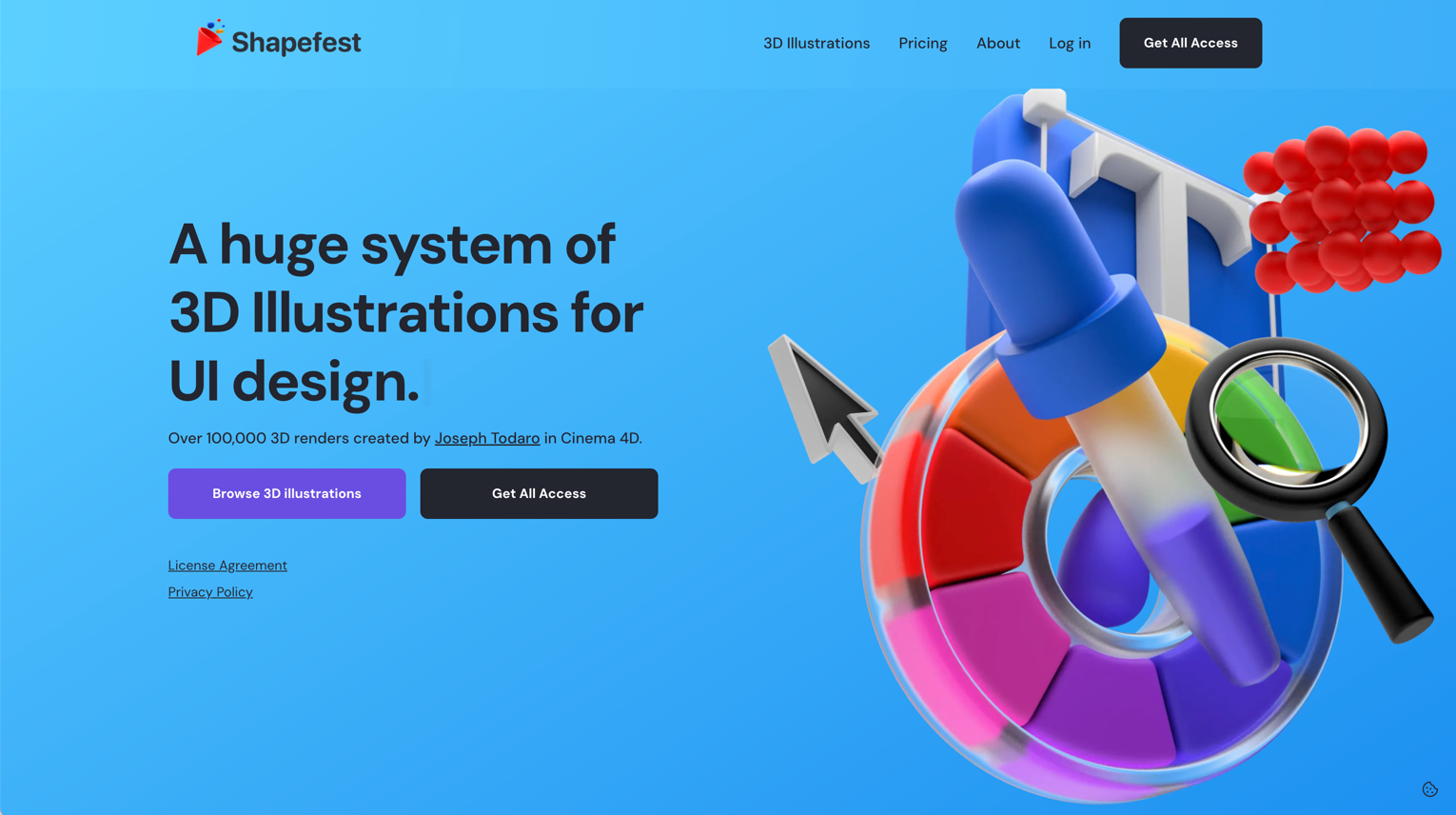
160,000+ 3D rendered shapes and objects. Best for hero sections, feature highlights, and marketing materials that need a premium feel.

160,000+ 3D rendered shapes and objects. Best for hero sections, feature highlights, and marketing materials that need a premium feel.

  • Massive library of isolated 3D objects
  • Transparent PNG backgrounds
  • Organized by category and style
  • License: Free tier with attribution. Premium for full commercial use.
  • Why it works: 3D illustration is expensive to produce custom. This library gets you 80% of the way there for free.

3D Icons
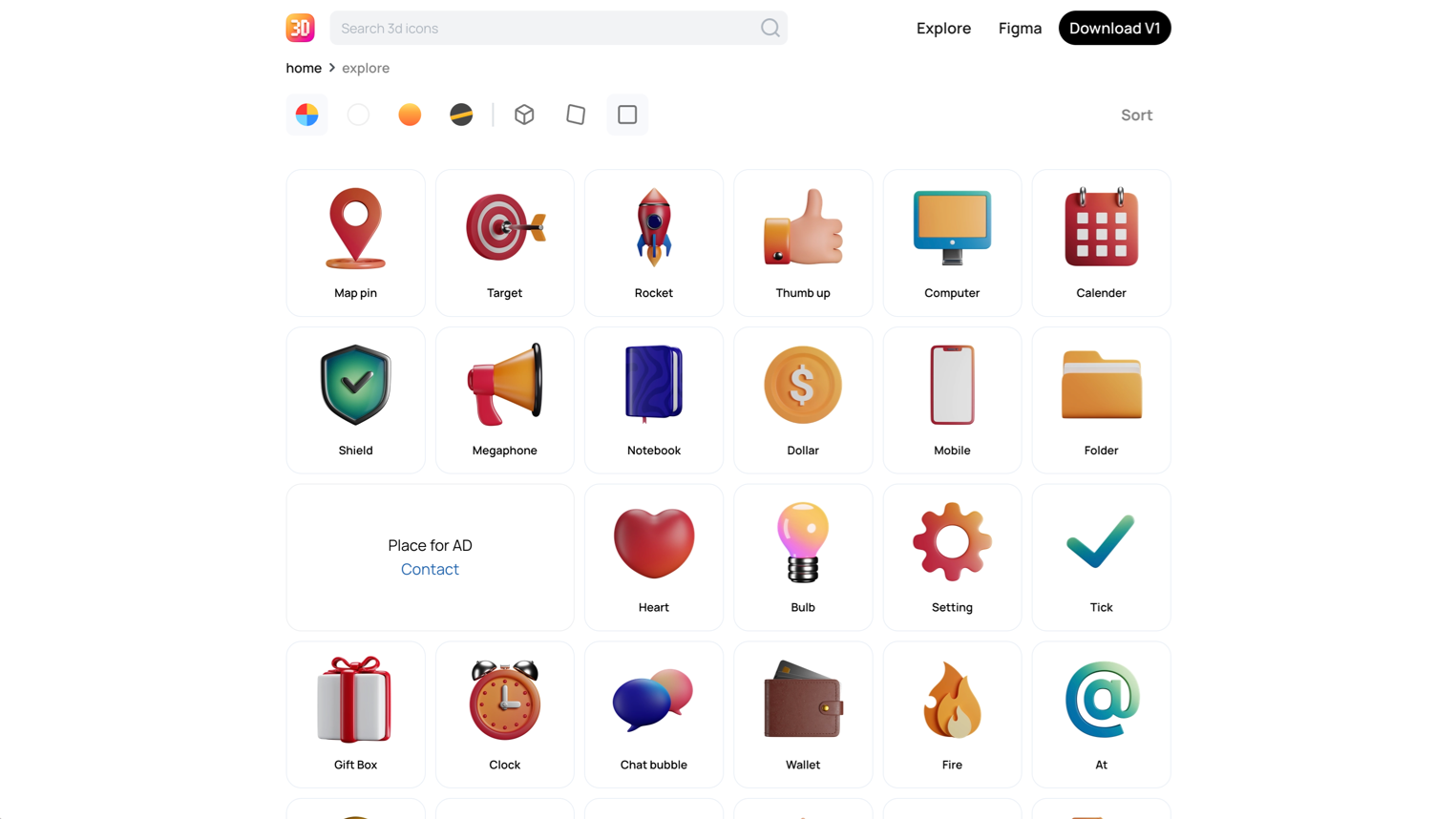
1,000+ 3D rendered icons with customizable colors. Best for feature sections and pricing pages that need dimensional visual accents.

1,000+ 3D rendered icons with customizable colors. Best for feature sections and pricing pages that need dimensional visual accents.

  • Clean, consistent rendering across the entire set
  • Four color themes available
  • PNG and Figma formats
  • License: CC0. Completely free. No attribution needed.
  • Why it works: 3D icons feel premium. These look custom-rendered and cost nothing. That’s a rare combination.

Hand-Drawn and Sketch Style

Absurd Design
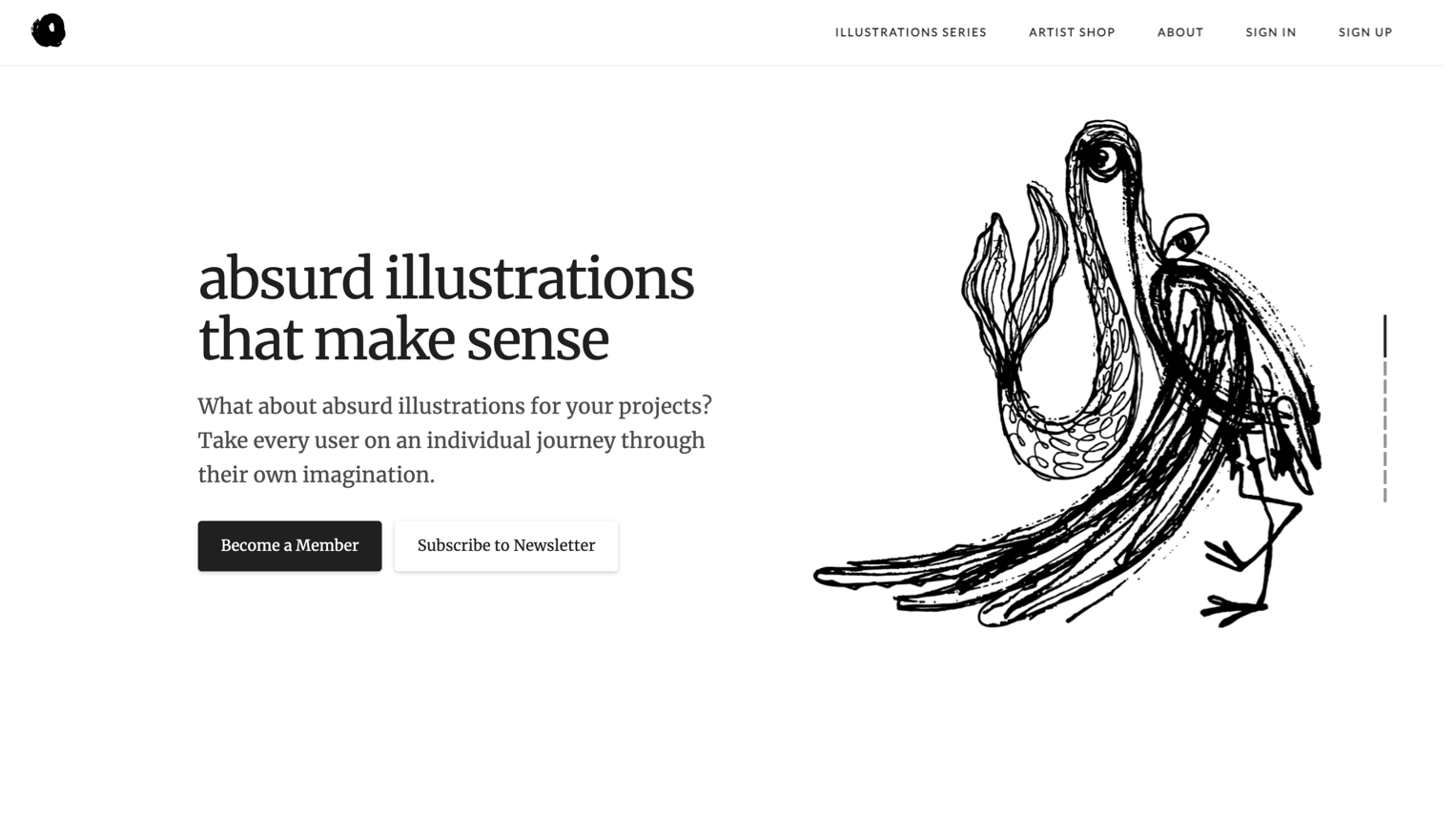
Surrealist hand-drawn illustrations. Best for creative agencies, art-focused projects, and brands that want to stand out from the flat illustration standard.

Surrealist hand-drawn illustrations. Best for creative agencies, art-focused projects, and brands that want to stand out from the flat illustration standard.

  • Genuinely unique aesthetic: surreal, abstract, thought-provoking
  • Each illustration tells a story that invites interpretation
  • PNG format
  • License: Free for commercial use.
  • Skip if: You need literal, explanatory illustrations. These are art, not documentation.

Lukasz Adam Illustrations
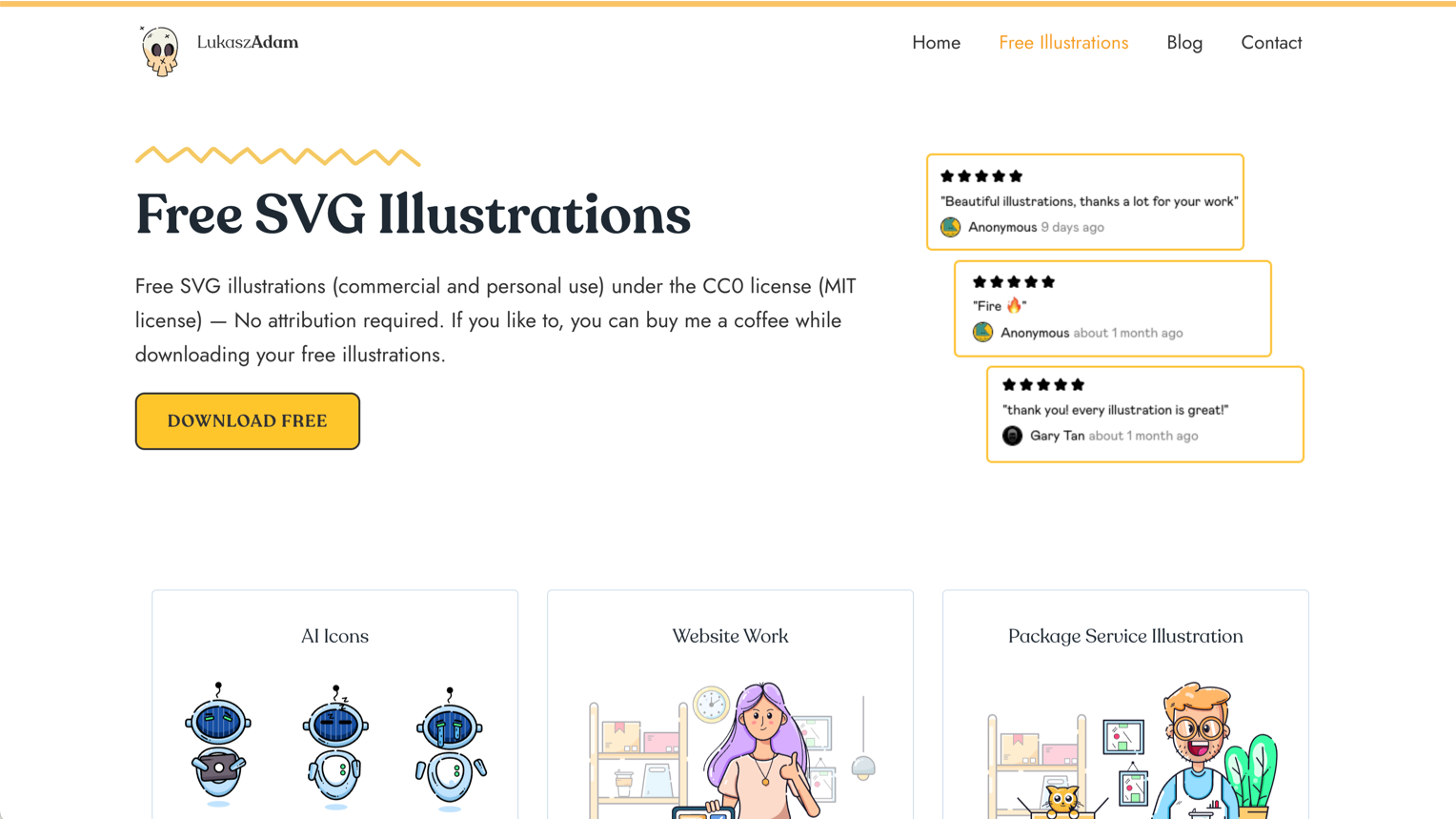
Minimal hand-drawn SVG illustrations. Best for personal sites, portfolios, and blogs that want a human touch.

Minimal hand-drawn SVG illustrations. Best for personal sites, portfolios, and blogs that want a human touch.

  • Simple, clean line drawings with a warm personality
  • SVG format (fully editable)
  • Small but curated collection
  • License: MIT. Free for everything.
  • Why it works: In a world of polished vector illustrations, a genuine hand-drawn style feels refreshingly human.

Animated Illustrations

LottieFiles
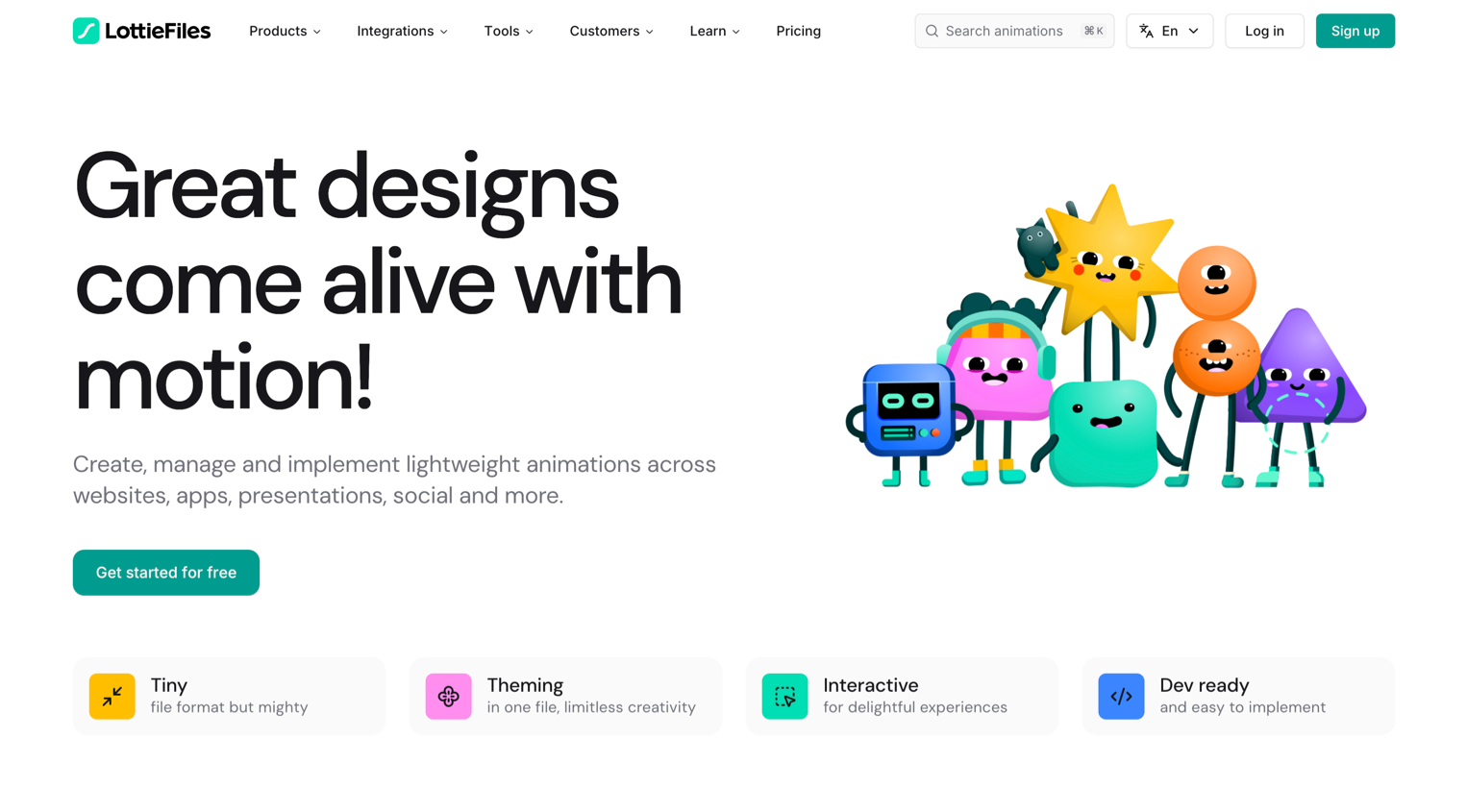
The largest collection of Lottie animations, including illustrated scenes. Best for micro-interactions, loading states, and any context where static illustrations feel flat.

The largest collection of Lottie animations, including illustrated scenes. Best for micro-interactions, loading states, and any context where static illustrations feel flat.

  • Thousands of free Lottie animations from community contributors
  • Preview and customize colors directly on the site
  • Embed with Lottie Player (lightweight, performant)
  • License: Varies by animation. Check each one. Most community animations are free.
  • Why it works: Lottie animations are tiny (KBs, not MBs) and render as vectors. They’re the most performant way to add motion to illustrations.

IconScout Lottie Animations
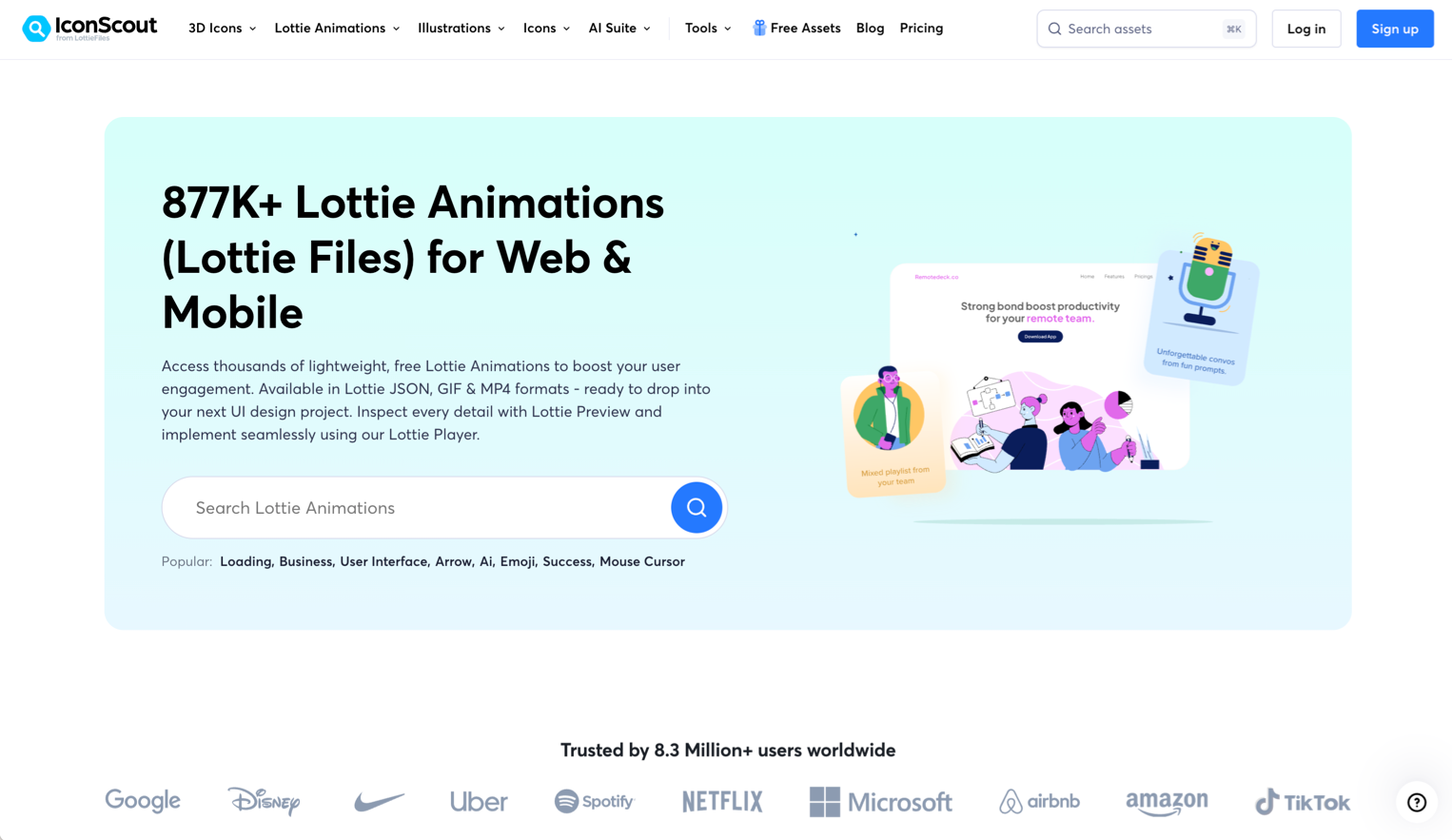
877,000+ Lottie animations. Best for large-scale projects that need variety in animated assets.

877,000+ Lottie animations. Best for large-scale projects that need variety in animated assets.

  • Massive library with good categorization
  • Preview and download in Lottie JSON format
  • Free and premium options
  • License: Free tier available with attribution.
  • Skip if: You only need a few animations. LottieFiles is more curated for smaller needs.

How to Choose the Right Illustration Library

The decision depends on your project, not on which library has the most illustrations.

  • Building a SaaS landing page? Start with unDraw or Storyset. One-click color customization and wide topic coverage get you to a finished design fast.
  • Need character diversity and representation? Humaaans or Open Peeps. The mix-and-match systems create genuine variety.
  • Want a premium 3D feel on a zero budget? 3D Icons for feature sections, Shapefest for hero compositions.
  • Creative or art-focused project? Absurd Design for surrealist impact, Lukasz Adam for hand-drawn warmth.
  • Need animation without a motion designer? LottieFiles for curated quality, IconScout for volume.
  • Want isometric illustrations? ManyPixels is one of the only free libraries that does this well.

One rule that applies to everyone: pick one library per project. Mixing illustration styles is the visual equivalent of mixing three different fonts. Consistency matters more than variety.

For a companion guide to icon libraries (which often pair with illustrations in the same project), check our curated list of the best free icon libraries for UI design in 2026.


Key Patterns

After reviewing dozens of libraries, a few trends stand out:

  • Customization is the baseline. Libraries that don’t let you change colors are losing to libraries that do. unDraw set this standard. Now everyone follows it.
  • Style consistency matters more than size. A library of 200 consistent illustrations is more useful than a library of 5,000 inconsistent ones. You’ll use 10–20 illustrations per project. Quality of those 10–20 matters. Quantity of the rest doesn’t.
  • Animation is crossing from bonus to expectation. Storyset adding animation, LottieFiles growing its library, animated icons becoming standard. Static illustrations are still fine. Animated ones make a stronger impression.
  • 3D illustrations became accessible. Two years ago, 3D meant hiring a 3D artist or learning Blender. Now, free libraries like 3D Icons and Shapefest make 3D viable for any project.
  • Licensing got clearer. MIT, CC0, and Creative Commons licenses are winning. Libraries with vague or restrictive licensing are losing users to libraries where the terms are obvious.

Discover more curated design resources on Muzli. Illustrations, icons, kits, and tools, all in one place.

……

💡 Stay inspired every day with Muzli!

Follow us for a daily stream of design, creativity, and innovation.
Linkedin | Instagram | Twitter
Best Free Icon Libraries for UI Design in 2026

The best free icon libraries for UI design in 2026: tested across Figma, React, and production apps. Curated for consistency, not just quantity.

There are over 200 free icon libraries on the internet right now. Most of them have one thing in common: they look fine in a preview grid and fall apart at 16px in a real interface.

We tested these libraries against three criteria: visual consistency at small sizes, Figma and code integration, and license clarity. If an icon set looked great on its landing page but broke down in an actual sidebar navigation, it didn’t make the list.

Minimal Line Icons

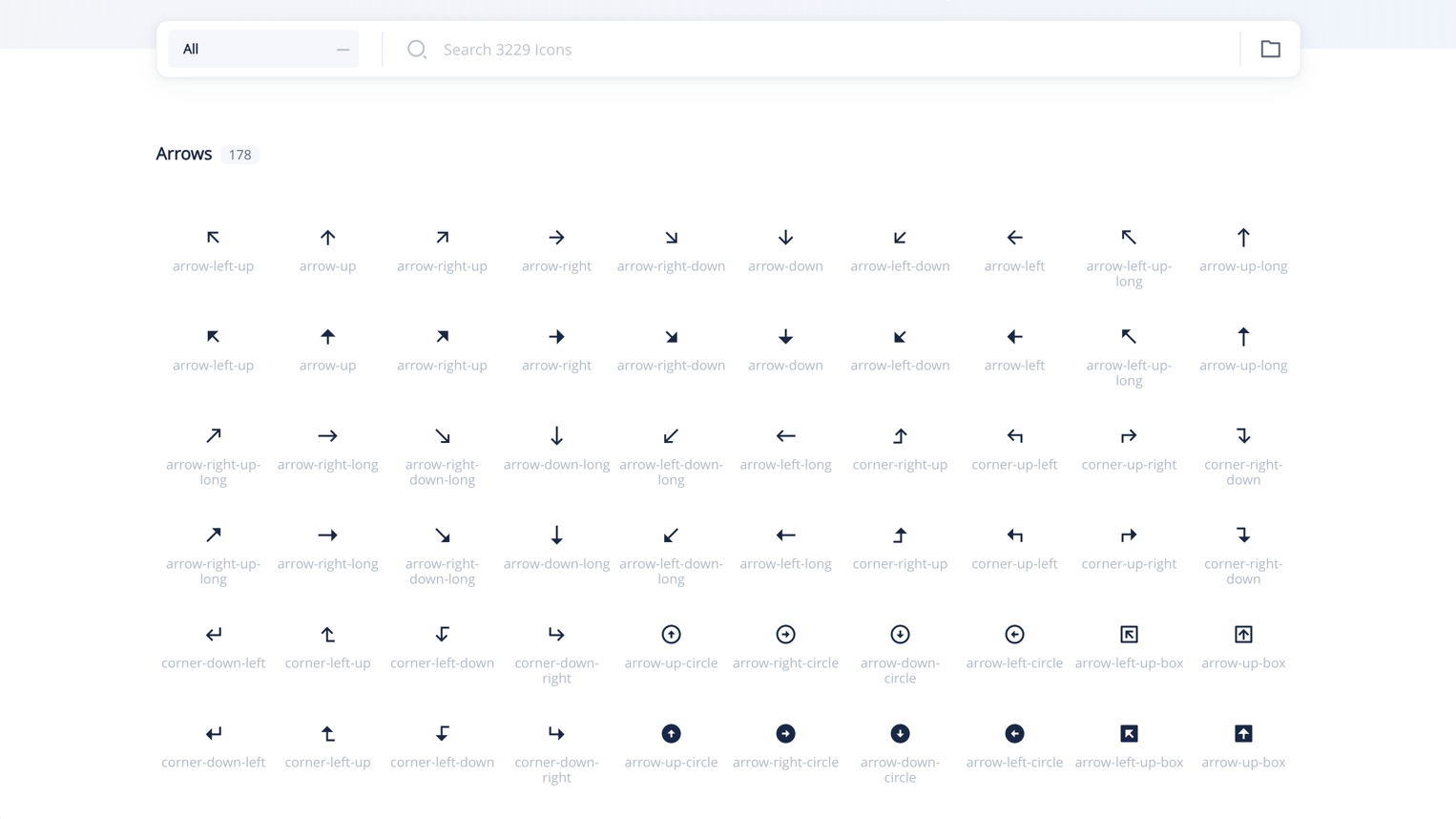
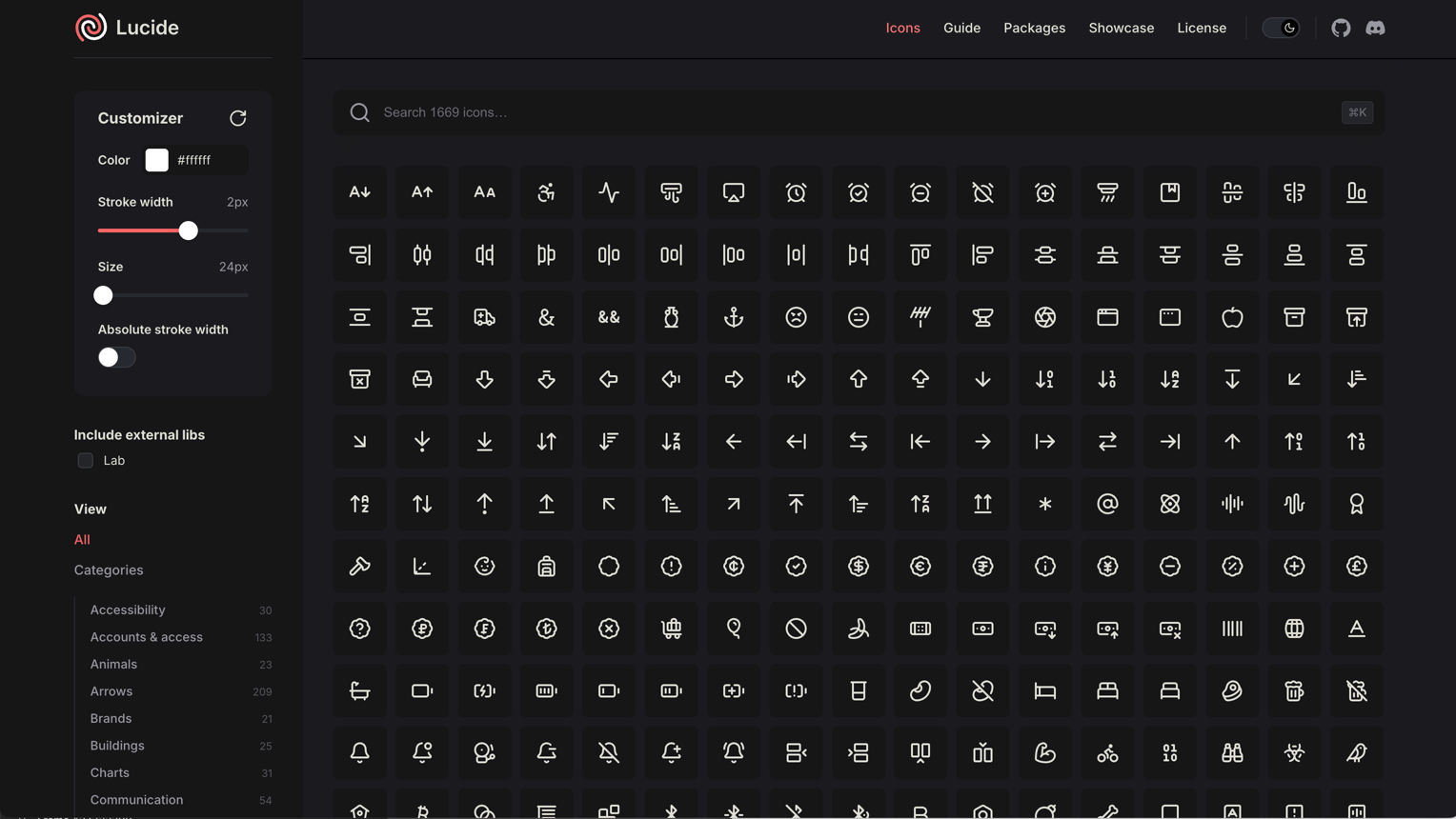
Lucide:

The maintained fork of Feather Icons, now with 1,500+ icons. Best for clean, modern interfaces.

  • Consistent 24px grid with 2px stroke
  • First-class React, Vue, and Svelte packages
  • Figma library maintained by the community
  • License: ISC (permissive, commercial use OK)
  • Why it works: picks up where Feather left off, with active maintenance and better coverage
The maintained fork of Feather Icons, now with 1,500+ icons. Best for clean, modern interfaces.

Phosphor Icons:

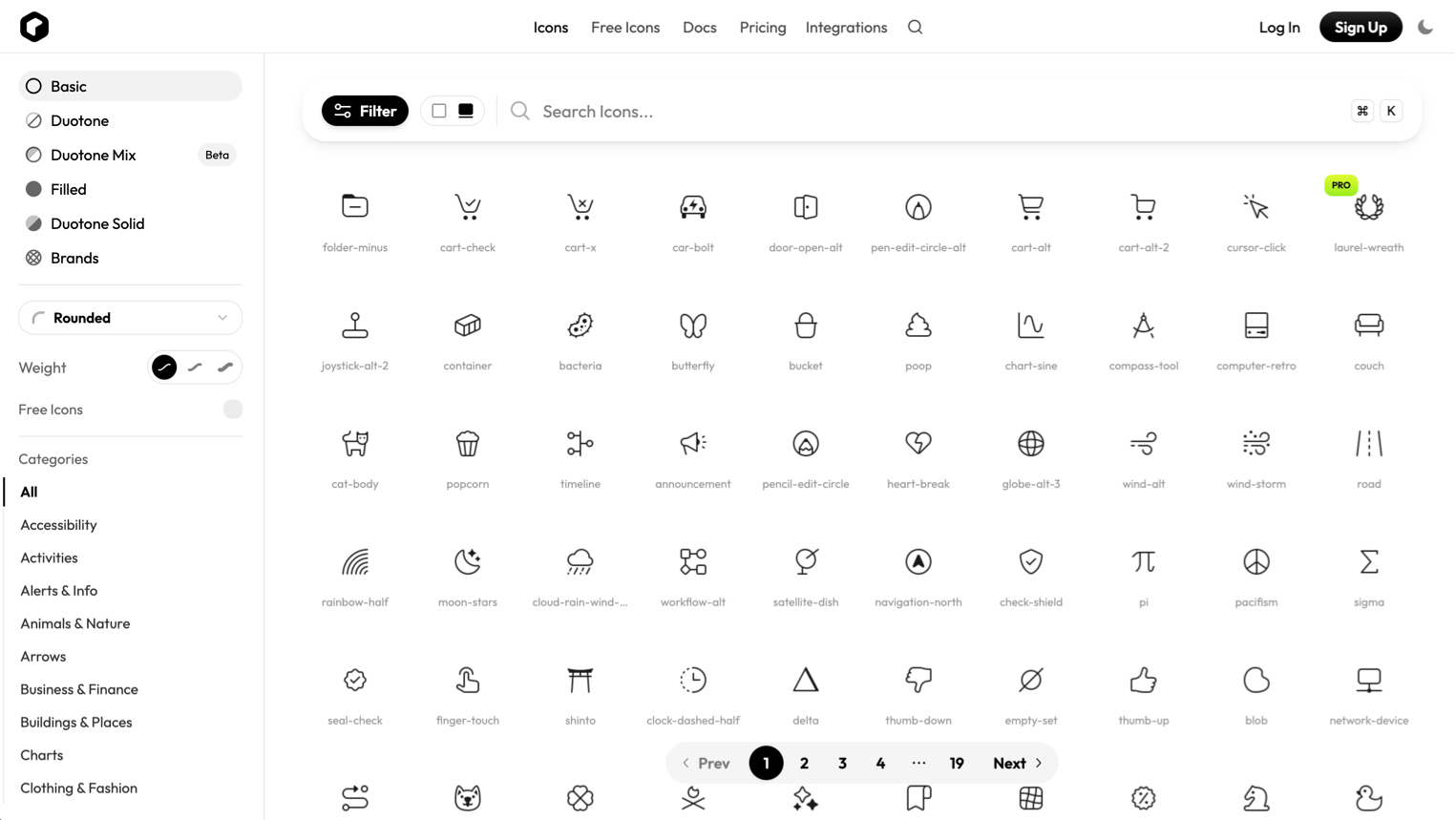
9,000+ icons across 6 weights. Best for design systems that need flexibility.

  • Available in Thin, Light, Regular, Bold, Fill, and Duotone
  • Figma plugin with search and weight switching
  • React, Vue, Flutter, and web component packages
  • License: MIT
  • Why it works: the weight system means one library covers everything from subtle UI to bold marketing
9,000+ icons across 6 weights. Best for design systems that need flexibility.

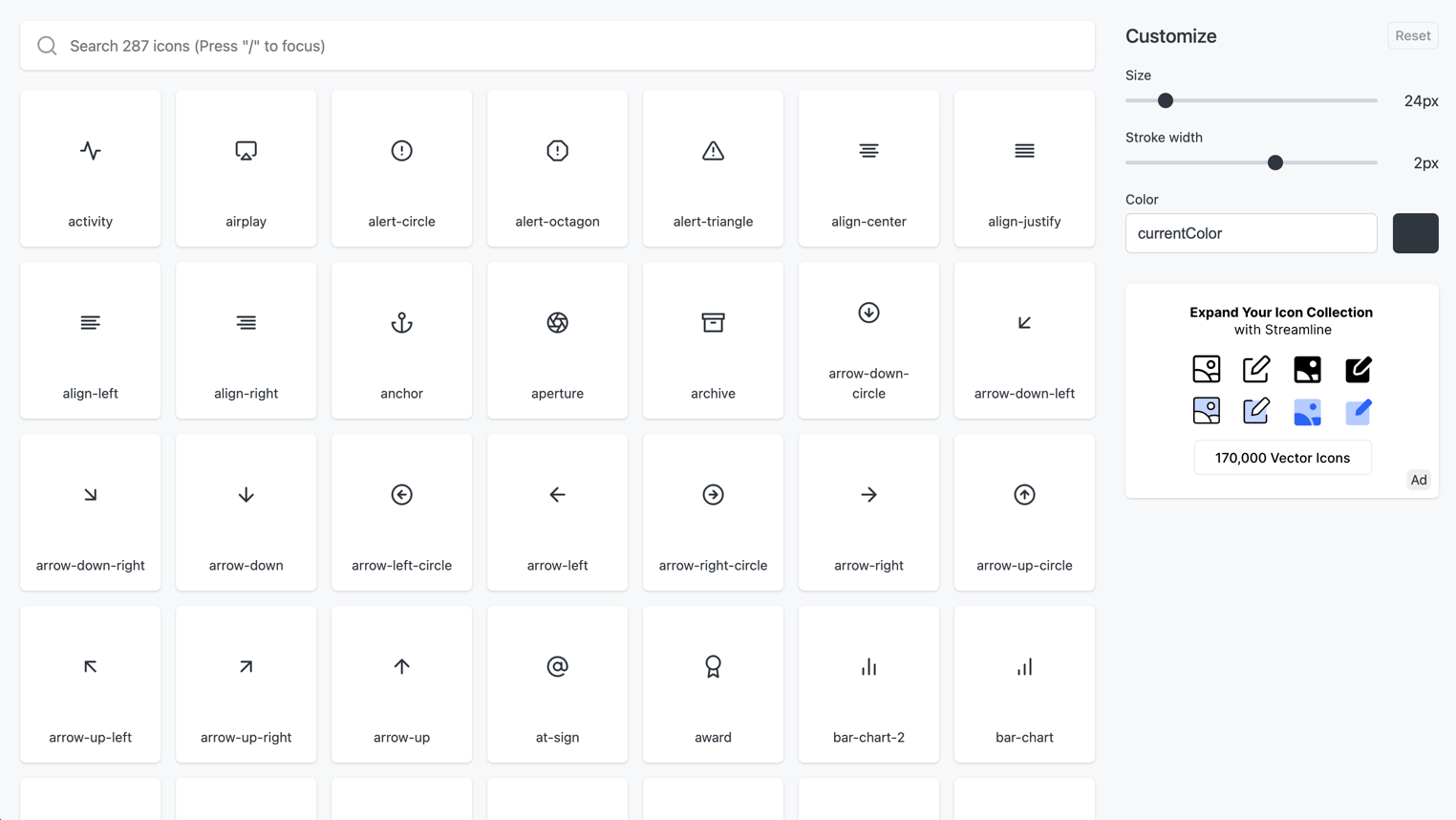
Feather Icons:

The original minimal icon set. 287 icons. Best for small projects that need a clean, tight set.

  • Beautiful 24px grid, 2px stroke, round caps
  • Still works perfectly for simple interfaces
  • No longer actively maintained: use Lucide for new projects
  • License: MIT
  • Why it works: the original is still gorgeous. Just know it’s frozen.
The original minimal icon set. 287 icons. Best for small projects that need a clean, tight set.

Remix Icon:

2,800+ icons in line and fill styles. Best for apps that need both outline and solid variants.

  • Neutral, clean aesthetic that doesn’t fight your brand
  • SVG, web font, and Figma library
  • License: Apache 2.0
  • Why it works: the line/fill pairing is consistently well-executed
2,800+ icons in line and fill styles. Best for apps that need both outline and solid variants.

Solid and Filled Icons

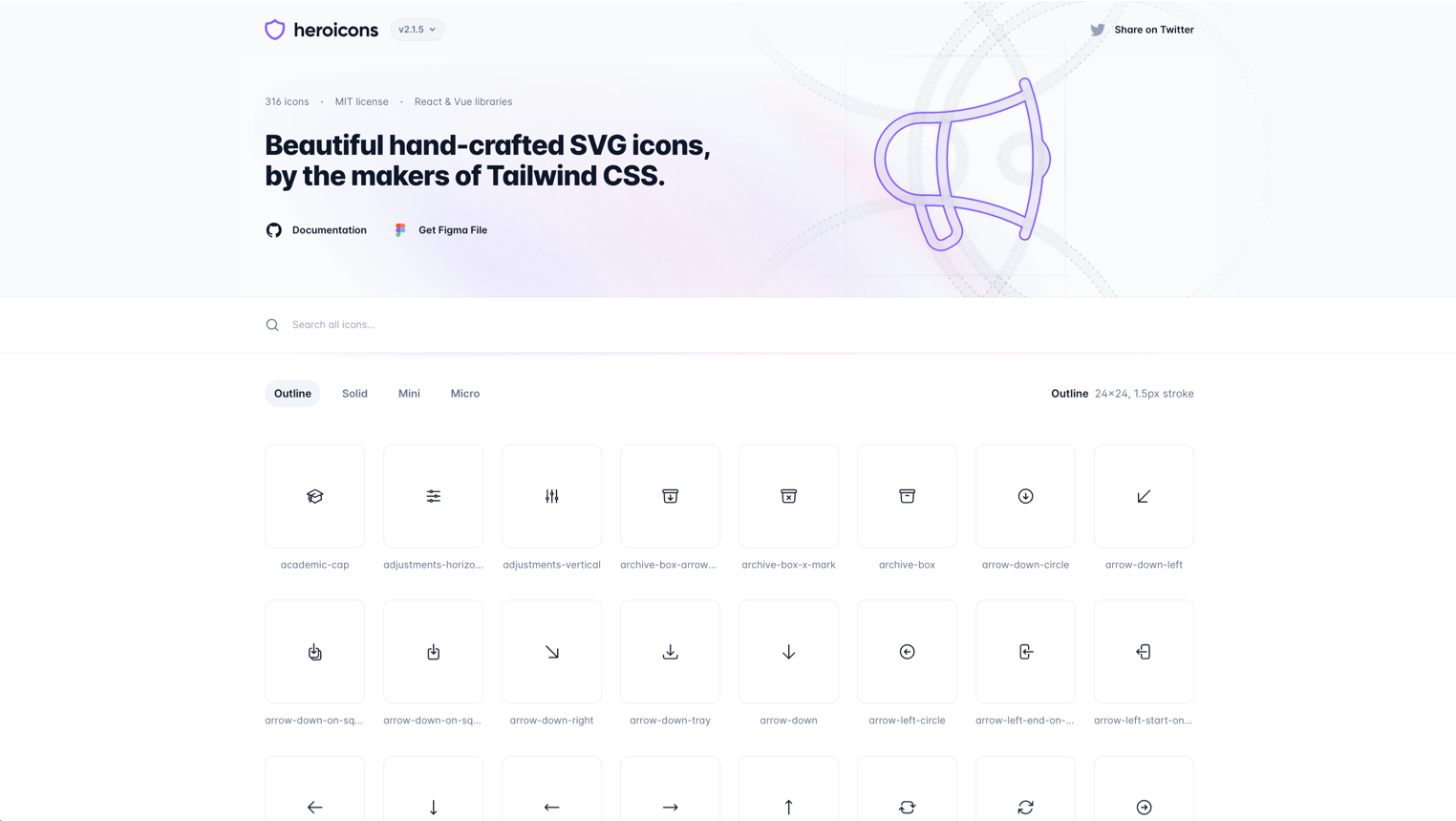
Heroicons:

By the Tailwind CSS team. 300+ icons in outline, solid, and mini sizes. Best for Tailwind-based projects.

  • Designed specifically for UI, not illustration
  • 24px outline, 24px solid, 20px mini: three sizes for three contexts
  • Copy-paste SVG, React, and Vue components
  • License: MIT
  • Why it works: if you’re in the Tailwind ecosystem, these feel native
By the Tailwind CSS team. 300+ icons in outline, solid, and mini sizes. Best for Tailwind-based projects.

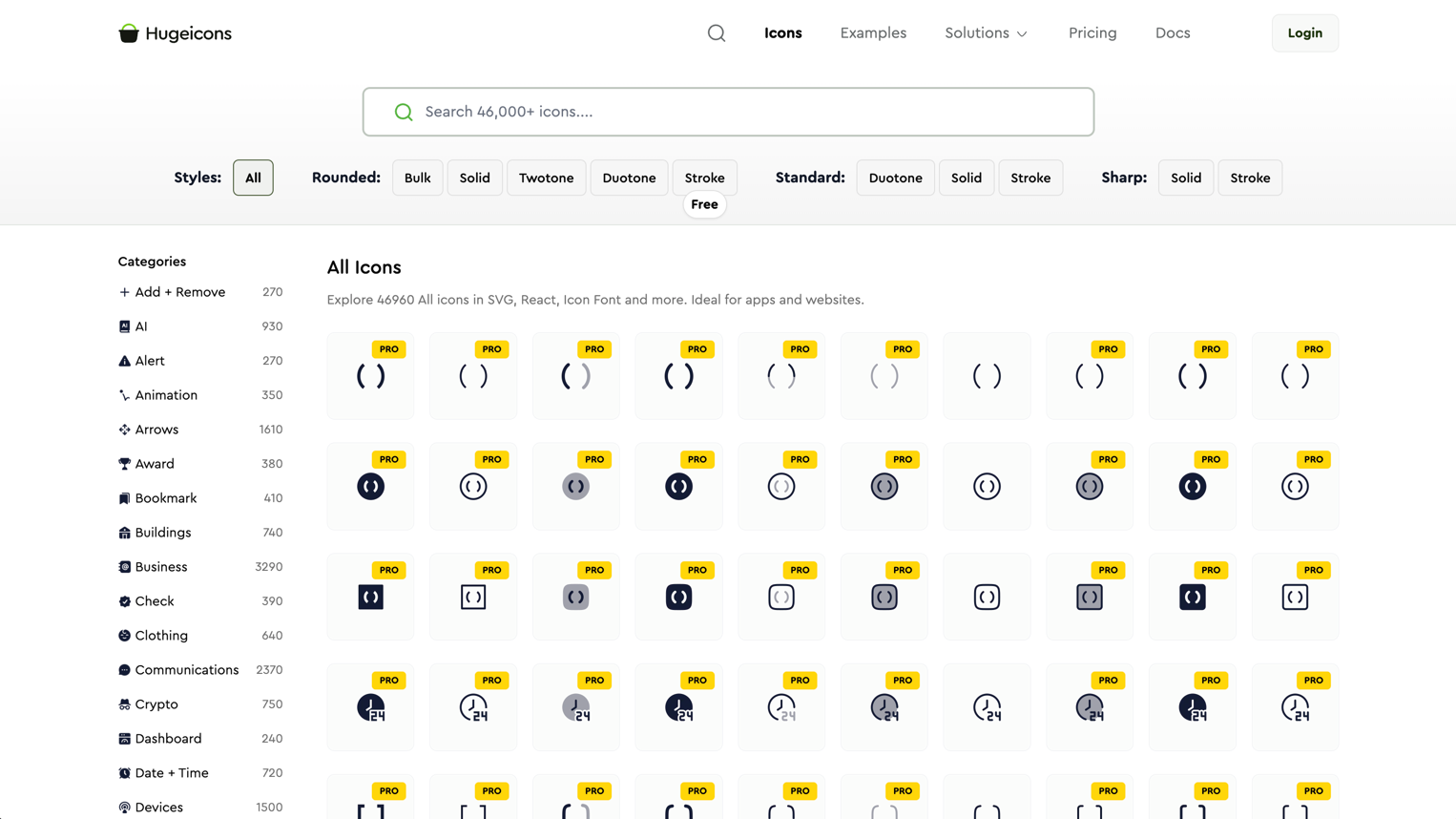
Hugeicons:

4,000+ icons with consistent stroke and fill variants. Best for large-scale product design.

  • Massive library with good categorization
  • Figma plugin with search
  • Multiple styles: stroke, solid, duotone, bulk
  • License: free tier with attribution, Pro for commercial without
  • Why it works: when you need an icon for everything, including niche categories
4,000+ icons with consistent stroke and fill variants. Best for large-scale product design.

Boxicons:

1,600+ icons in regular and solid styles. Best for general-purpose web and app design.

  • Clean, geometric aesthetic
  • Web font, SVG, and React library
  • Logo icons included (brands, social media)
  • License: MIT
  • Why it works: solid all-rounder with good brand icon coverage
1,600+ icons in regular and solid styles. Best for general-purpose web and app design.

Figma-Native Libraries

Untitled UI Icons:

4,100+ icons built as a Figma component library. Best for designers who live in Figma.

  • Every icon is a properly built Figma component with variants
  • Line and solid styles with consistent 24px grid
  • Part of the larger Untitled UI system
  • License: free tier available
  • Why it works: the Figma integration is first-class: swap icons with variant properties, not copy-paste
4,100+ icons built as a Figma component library. Best for designers who live in Figma.

Iconoir:

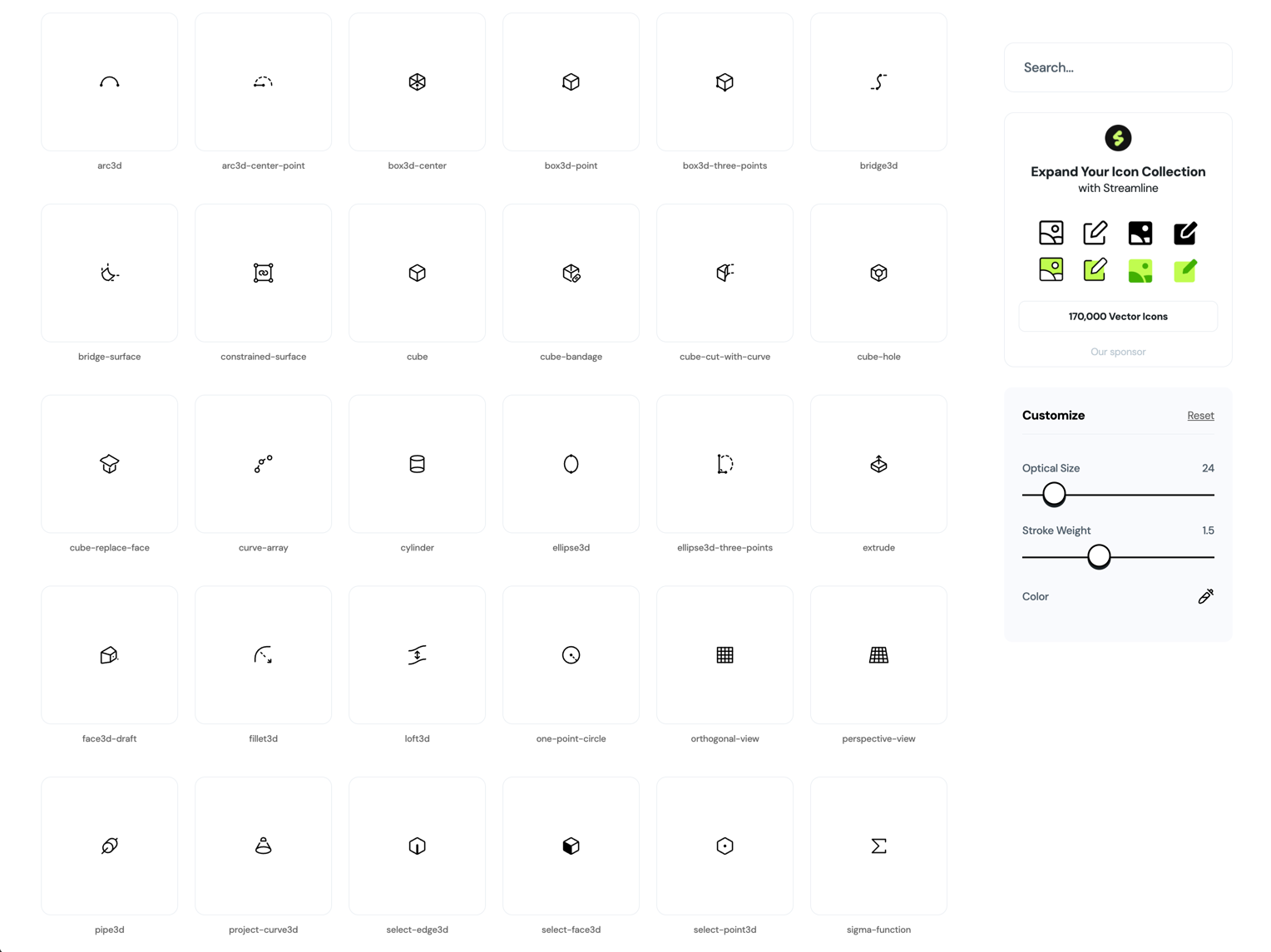
1,500+ free icons with a Figma library, React, React Native, and Flutter packages. Best for cross-platform design teams.

  • Consistent 1.5px stroke width across the entire set
  • Dedicated Figma plugin with search
  • Strong mobile and web coverage
  • License: MIT
  • Why it works: the cross-platform package coverage is unusually complete for a free library
1,500+ free icons with a Figma library, React, React Native, and Flutter packages. Best for cross-platform design teams.

Animated and Motion Icons

Lordicon:

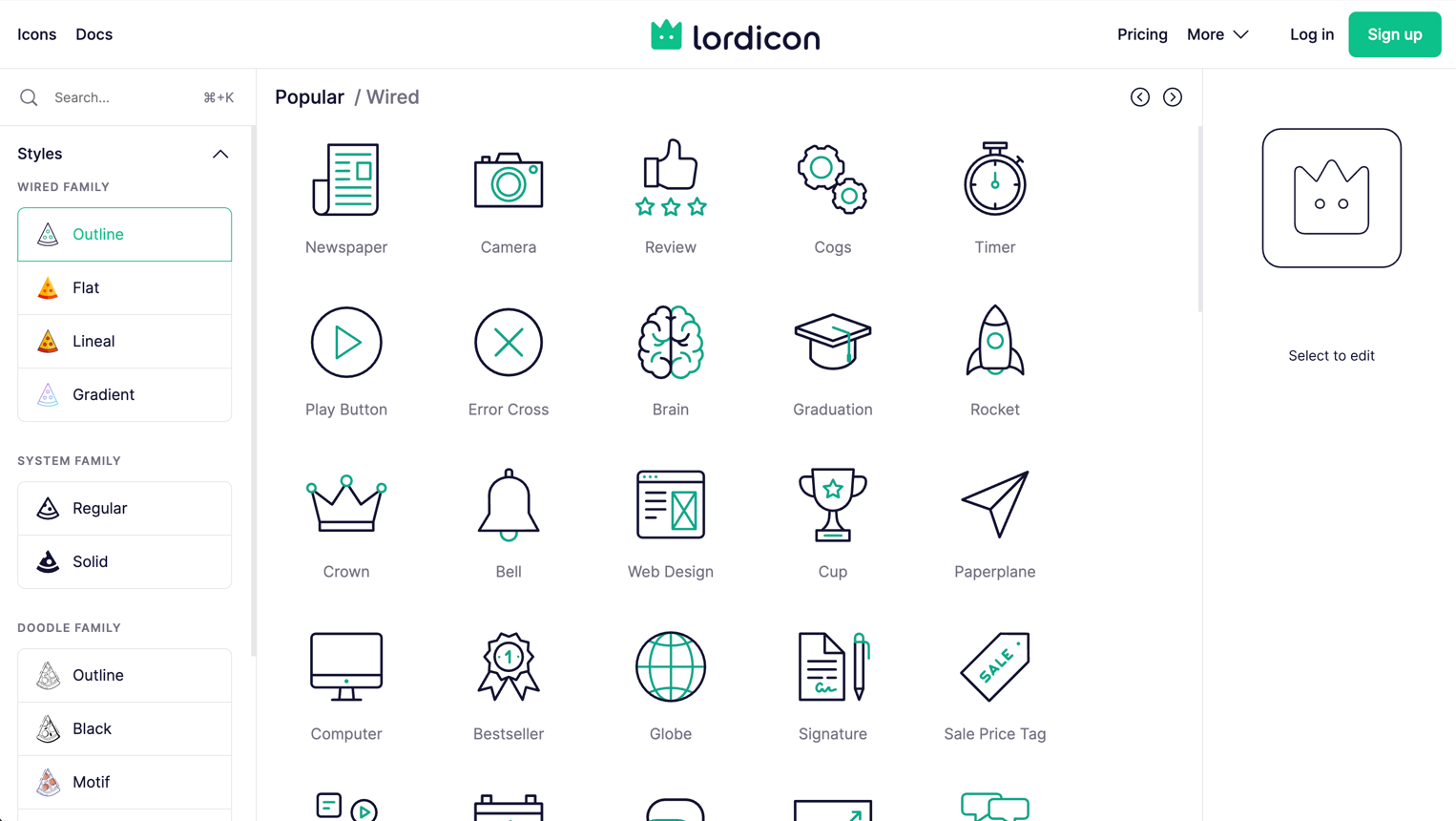
2,000+ animated icons with configurable triggers and colors. Best for micro-interactions and onboarding flows.

  • Lottie-based animations you can customize without After Effects
  • Trigger options: hover, click, loop, morph
  • Figma plugin for preview, plus web component and React packages
  • License: free tier (100 icons), Pro for full access
  • Why it works: adding motion to icons without opening After Effects is a real workflow win
2,000+ animated icons with configurable triggers and colors. Best for micro-interactions and onboarding flows.

Animated Icons:

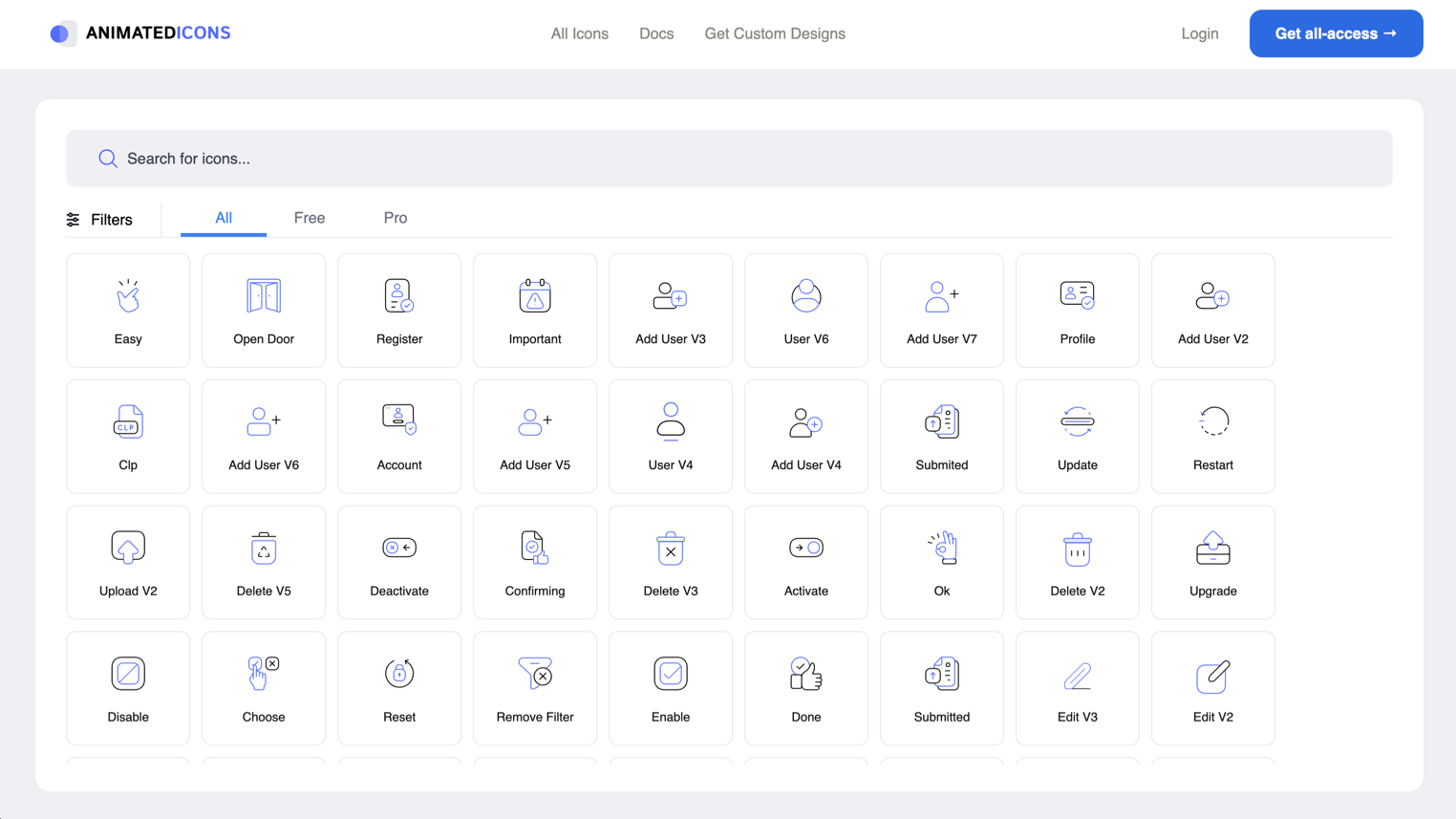
Animated SVG icons with simple embed codes. Best for quick motion accents on landing pages.

  • Small set but high-quality animations
  • Simple embed: no build system needed
  • License: free for personal, check commercial terms
  • Why it works: when you need one animated icon, not an entire motion system
Animated SVG icons with simple embed codes. Best for quick motion accents on landing pages.

Specialty Sets

Tabler Icons:

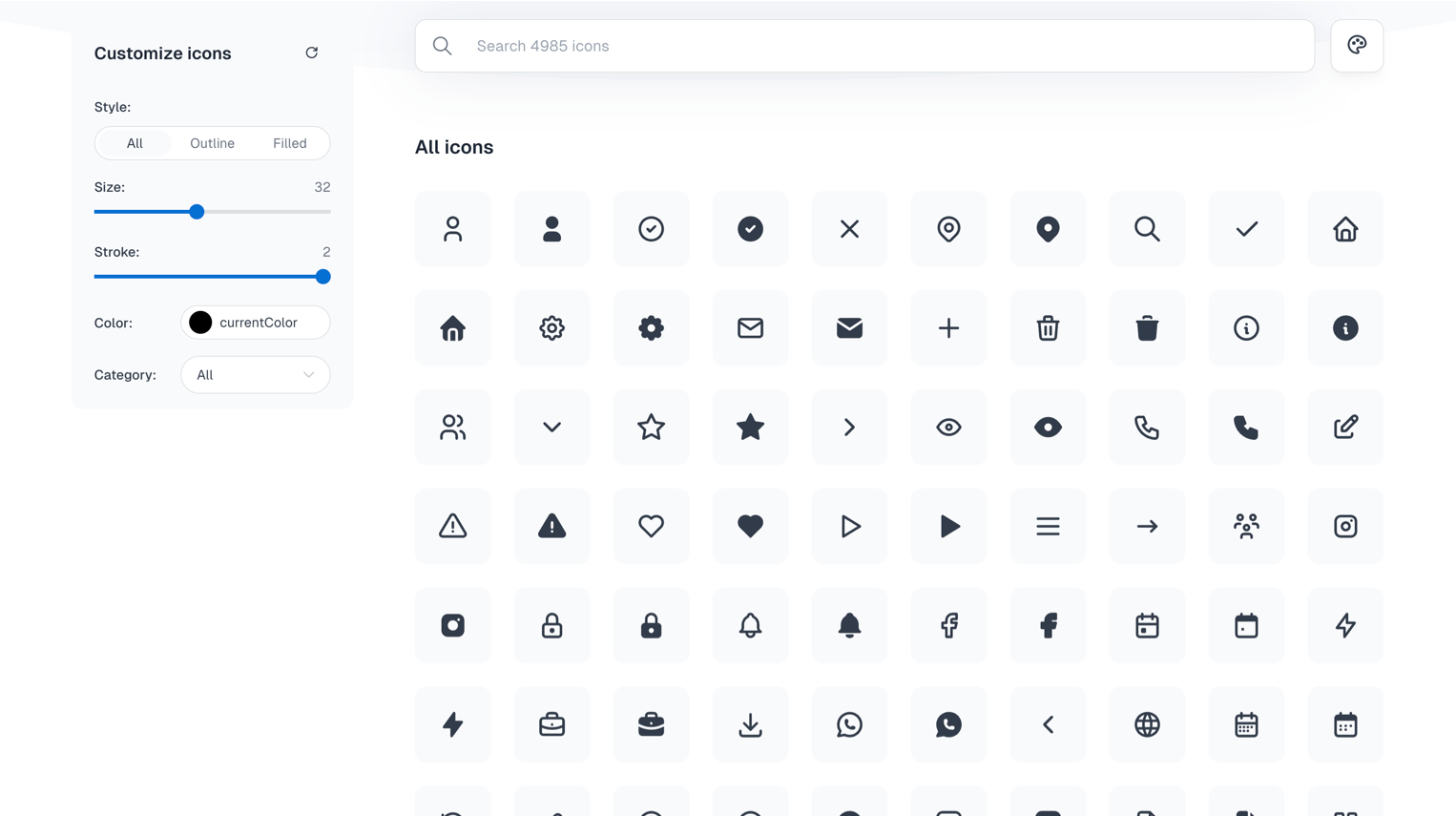
5,300+ icons designed for web applications. Best for dashboards and admin interfaces.

  • 24px grid, 2px stroke, consistent across the massive set
  • Strong coverage of data, chart, and admin-specific icons
  • React, Vue, Svelte, Preact packages
  • License: MIT
  • Why it works: the admin/dashboard category coverage is deeper than most general libraries
5,300+ icons designed for web applications. Best for dashboards and admin interfaces.

Radix Icons:

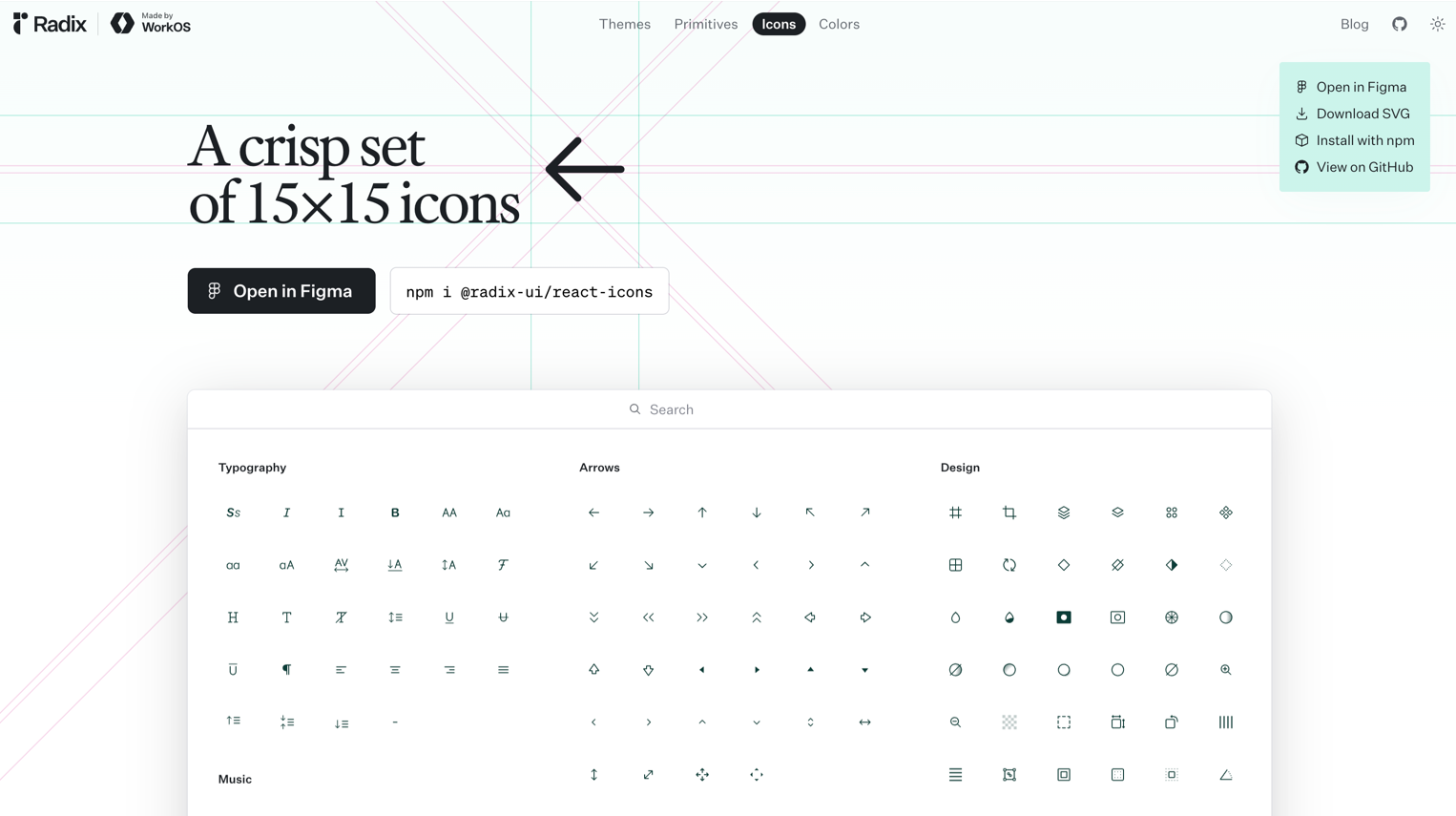
318 icons from the Radix UI team. Best for minimalist, system-level UI.

  • Tiny, crisp 15px icons designed for dense interfaces
  • Works perfectly alongside Radix primitives
  • React component library
  • License: MIT
  • Why it works: when your UI is compact and every pixel matters
318 icons from the Radix UI team. Best for minimalist, system-level UI.

css.gg:

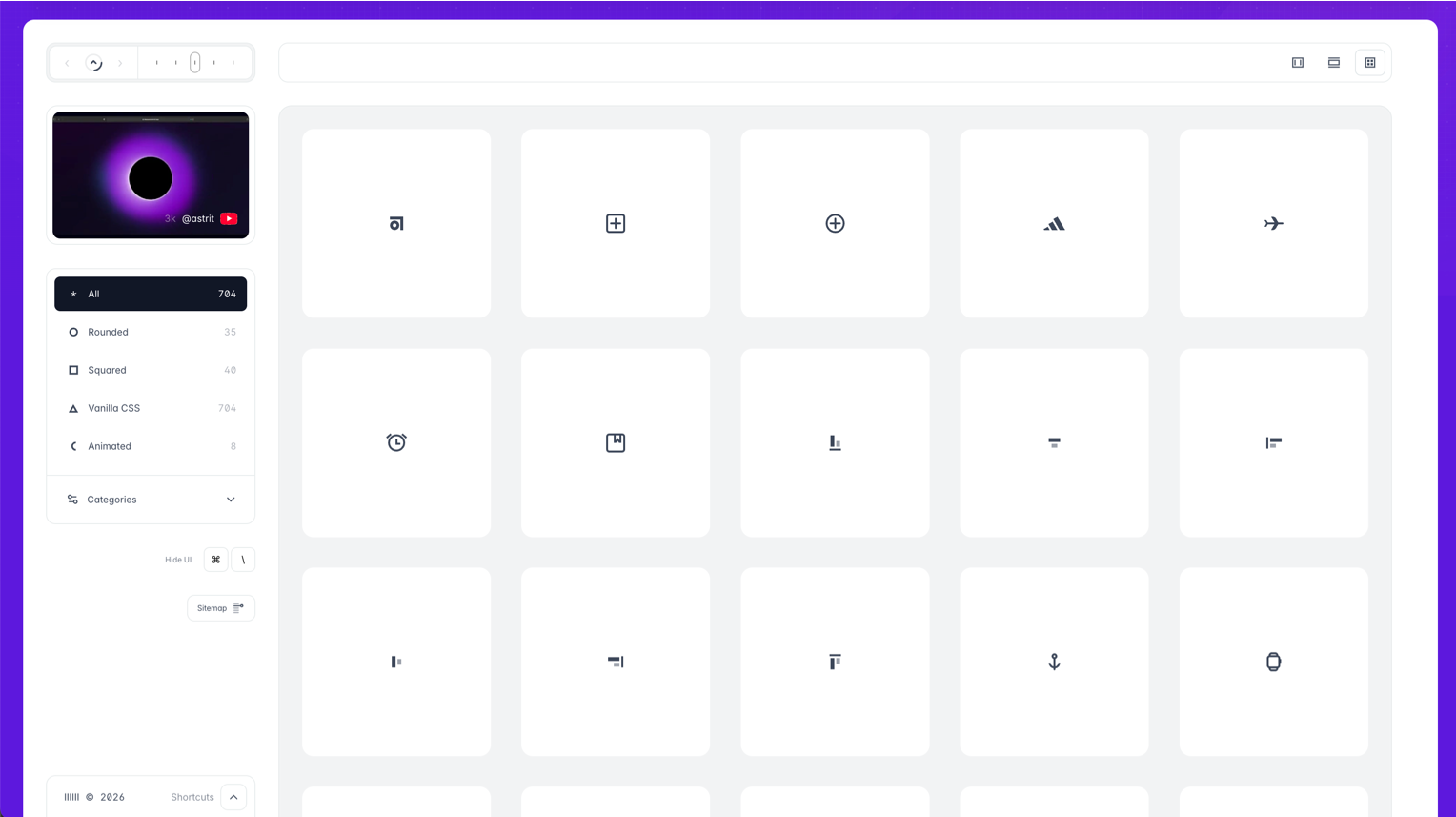
700+ pure CSS icons. Best for performance-obsessed projects with no SVG budget.

  • Zero SVG, zero images: pure CSS shapes
  • Tiny file size
  • Skip if: you need complex icons. CSS geometry has limits.
  • License: MIT
  • Why it works: the “no asset files” approach is interesting for specific performance constraints
700+ pure CSS icons. Best for performance-obsessed projects with no SVG budget.

Iconmonstr:

4,500+ icons in a simple search-and-download interface. Best for quick grabs when you need one icon fast.

  • No account needed, direct SVG/PNG download
  • Clean, versatile aesthetic
  • License: free for commercial use with no attribution
  • Why it works: sometimes you just need one icon in 30 seconds
4,500+ icons in a simple search-and-download interface. Best for quick grabs when you need one icon fast.

How to Choose the Right Icon Library

The decision isn’t about which library is “best.” It’s about which one fits your project:

Building a design system? Start with Phosphor or Lucide. You need weight variants and long-term maintenance.

Tailwind project? Heroicons. They were designed together.

Need everything? Tabler (5,300+) or Hugeicons (4,000+). Depth matters more than aesthetic perfection.

Figma-first workflow? Untitled UI Icons. The component structure is built for Figma, not ported to it.

Performance-critical? css.gg for the extreme case, Lucide for the practical one.

One principle applies to all: pick one library per project and stick with it. Mixing icon sets is the fastest way to make an interface look incoherent.

Key Patterns

After reviewing dozens of libraries, a few trends are clear:

  • Figma-native is expected now. A Figma library isn’t a bonus: it’s a baseline requirement. Libraries without one are losing ground fast.
  • Weight variants are the new standard. Single-weight icon sets feel limiting. Phosphor set the standard with 6 weights, and newer libraries are following.
  • Animated icons are crossing from novelty to utility. Lordicon’s trigger-based approach shows that icon animation can be systematic, not decorative.
  • Size is less important than consistency. A library of 300 perfectly consistent icons beats 5,000 icons with mixed visual language every time.
  • MIT license is winning. Designers want clarity. MIT = use it, ship it, don’t worry about it.

Find more curated design resources on Muzli: icons, kits, and tools, all in one place.

……

💡 Stay inspired every day with Muzli!

Follow us for a daily stream of design, creativity, and innovation.
Linkedin | Instagram | Twitter
2024 Black Friday + Cyber Monday Deals for Designers

Ready to snag the best deals of the year?

This Black Friday and Cyber Monday, digital designers, creatives, and artists can score incredible savings on the tools they love and need. From graphic design software to web design assets, creative resources, and more, we’ve rounded up the ultimate list of deals to fuel your inspiration without breaking the bank. 

Stay tuned — many offers will go live closer to Black Friday & Cyber Monday, so bookmark this page and share it with your fellow creatives! Got a deal we missed? Let us know, and we’ll add it to the list.

….

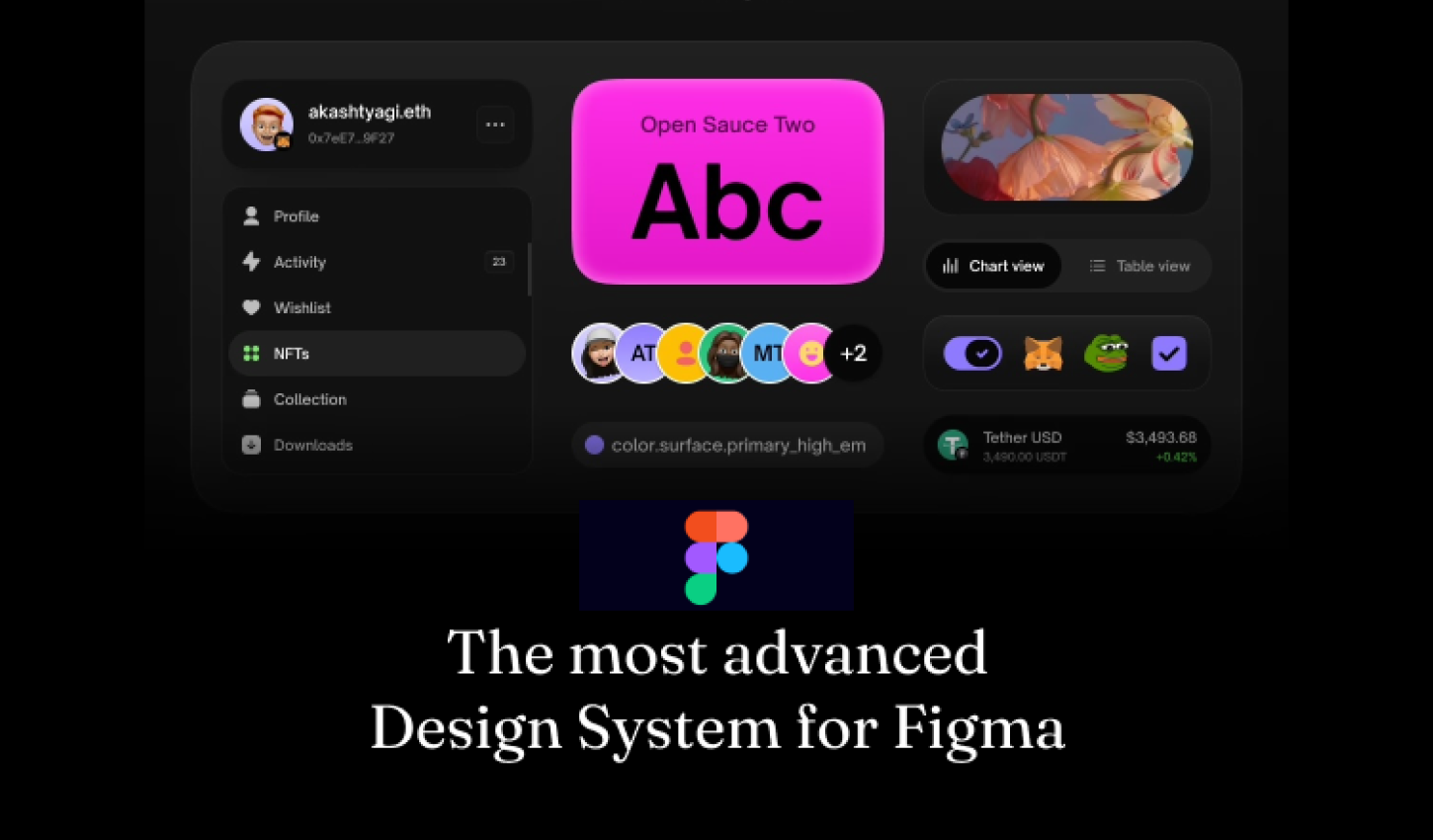
Atomize — The most advanced Design System for Figma

84.75% OFF — code: BLACK9

Atomize — The most advanced Design System for Figma

.

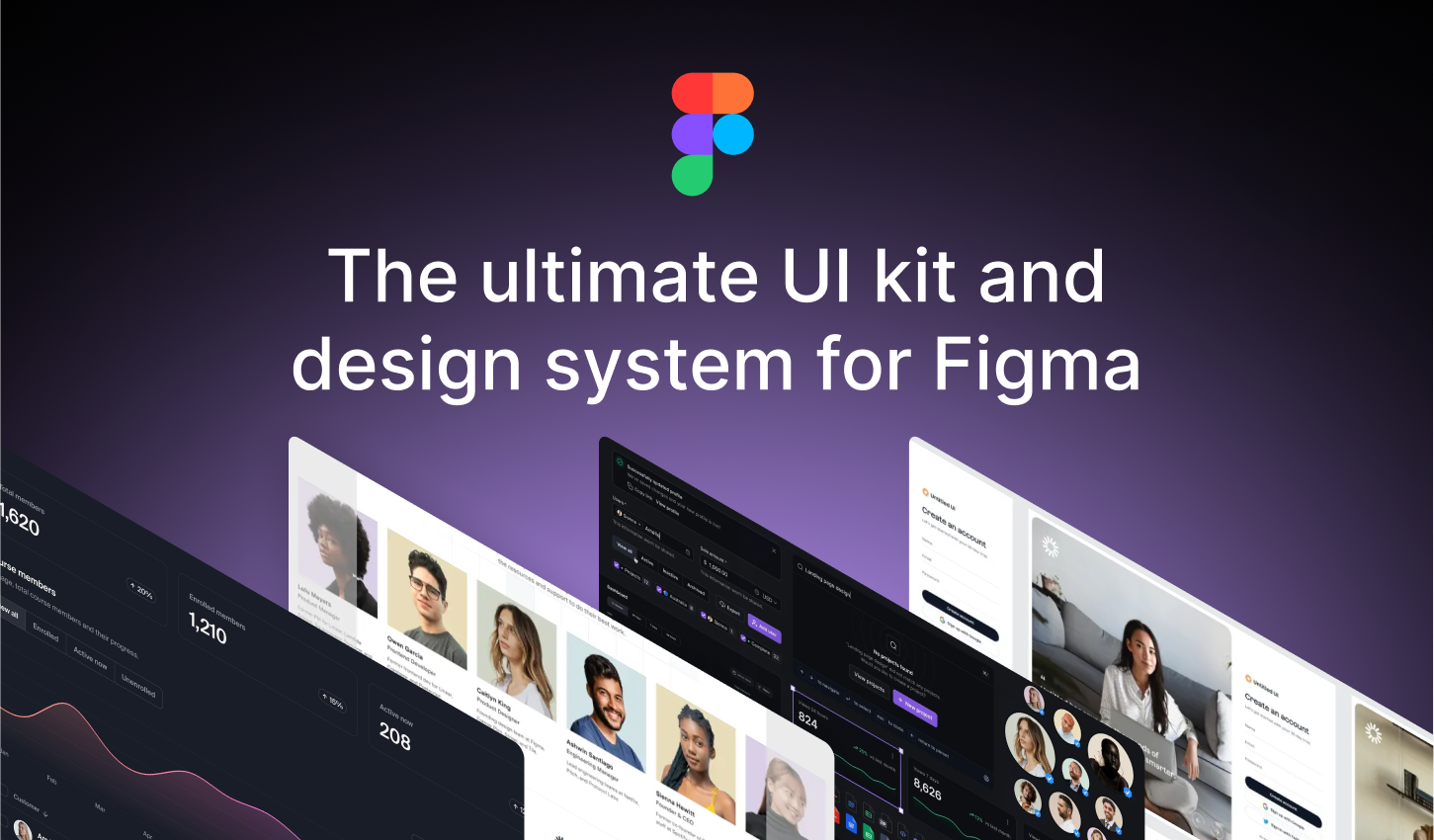
Untitledui — The largest UI kit & design system in the world

13.5% – 28% OFF

Untitledui — The largest UI kit & design system in the world

.

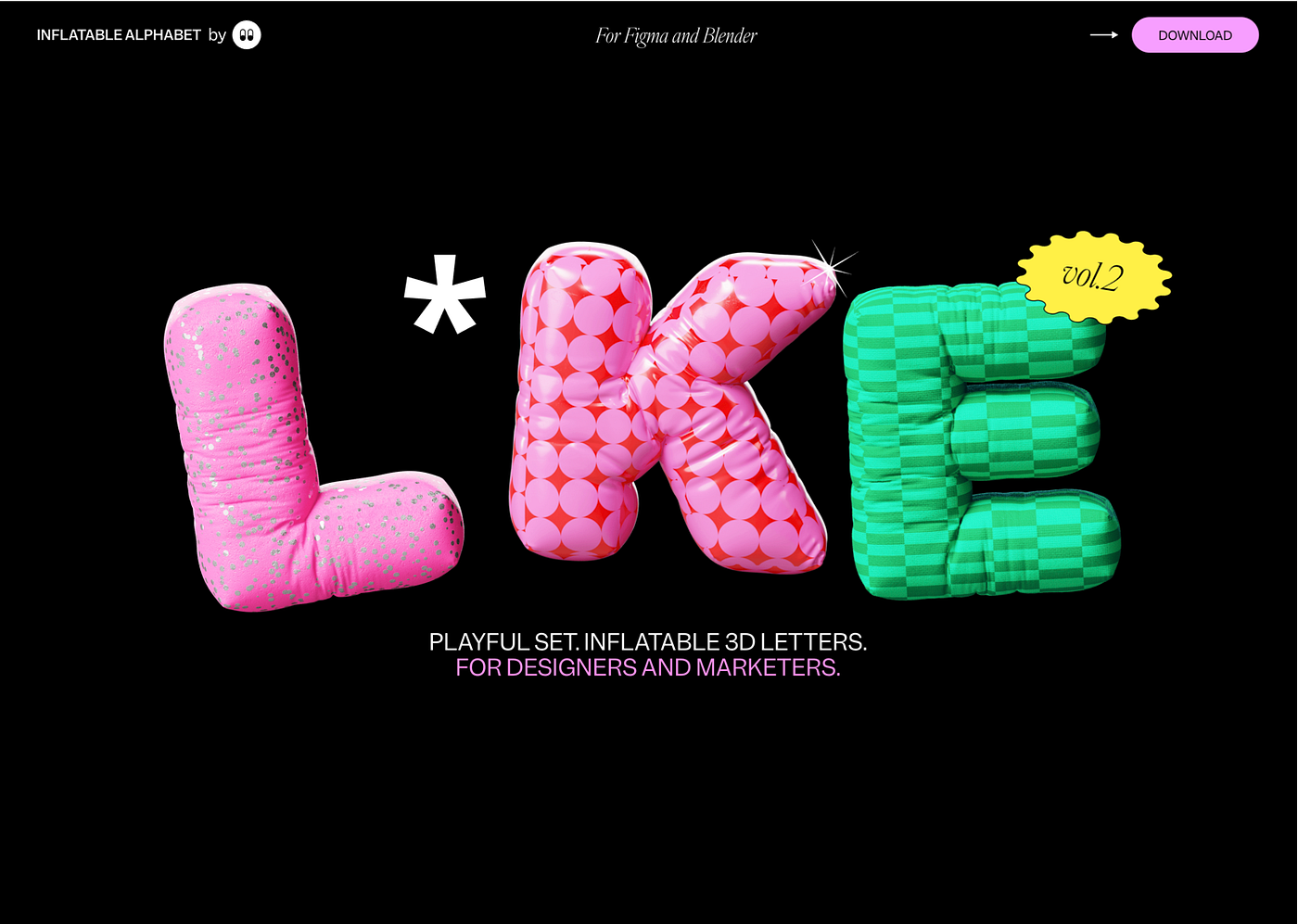
Inflatable 3d alphabet vol.2

Playful set. Inflatable 3d letters. for designers and marketers.

50% OFF

.

Learn UX Design at Your Own Pace | Interactive Courses | Uxcel

Accelerate your UX design career with guided, interactive learning. Learn key skills faster at your own pace in just 5 minutes a day.

62.5 OFF

.

Frameblox – Ultimate Framer UI kit; design system & components library

Frameblox is the ultimate Framer UI kit, design system, and component library. Build and launch your website faster, save countless hours, and elevate your website.

30% OFF – code: BLACKFRIDAY30

.

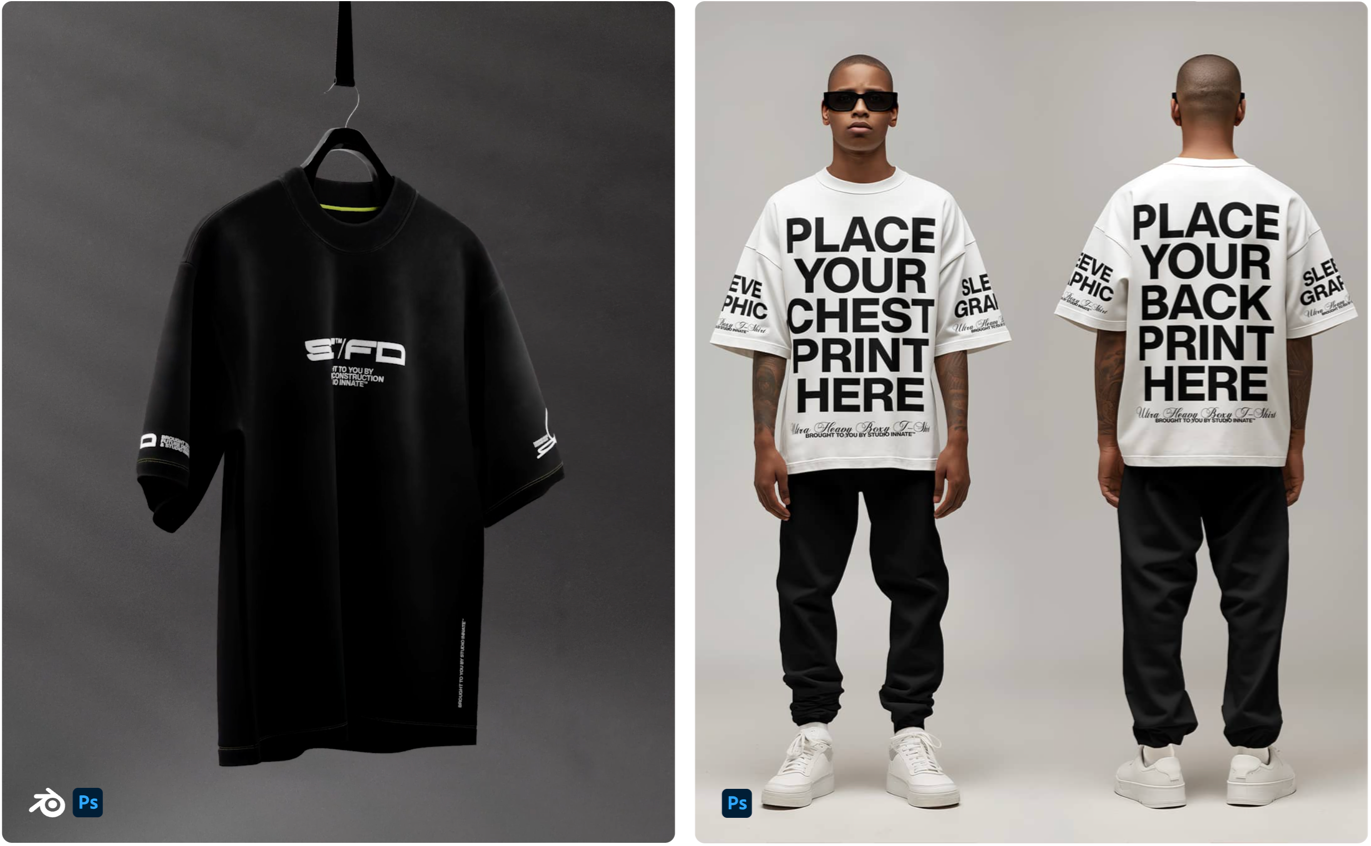
Designer Grade Resources

Discover high-quality mockups and design resources for your creative projects. Studio Innate offers a range of resources for your designs.

20% OFF

Designer Grade Resources

.

Css Hero — The Live WordPress Theme Editor. No code required.

CSS Hero is the definitive WordPress plugin to easily customize the look of your site, with an easy and intuitive point and click interface.

75% OFF

Css Hero — The Live WordPress Theme Editor. No code required.

.

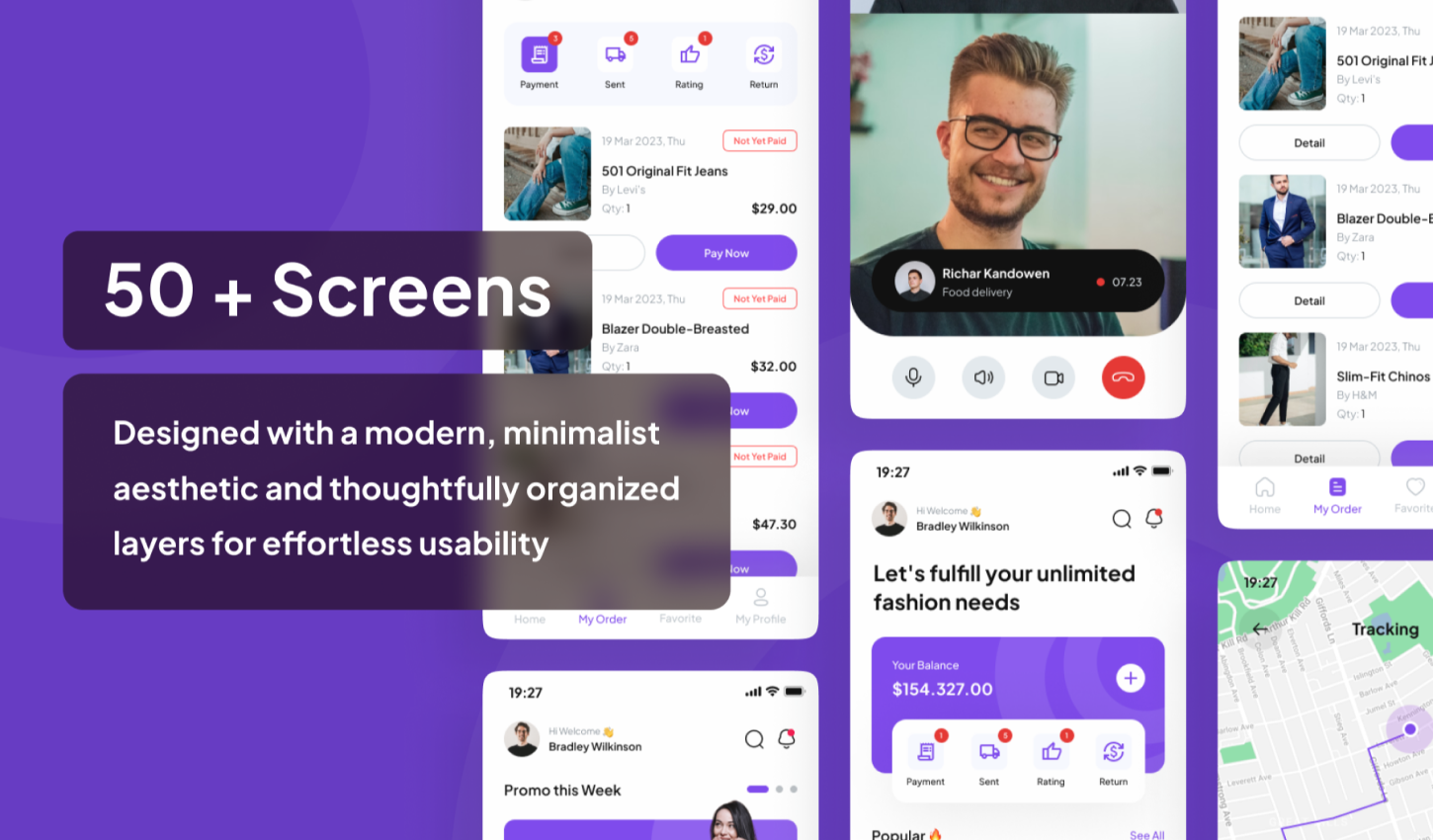
Mall — E-Commerce Complete UI-Kit

Mall is a minimalistic-design UI Kit for E-commerce app

60% OFF — Promo code: K4MDM4NQ

Mall — E-Commerce Complete UI-Kit

.

UI8 — All-Access Pass

Boost your productivity with instant access to all 10,081 existing products and daily new releases.

20% OFF

.

UI8 — Hundreds of premium products for up to 90% off until the end of the month

90% OFF

UI8 — Hundreds of premium products for up to 90% off until the end of the month

.

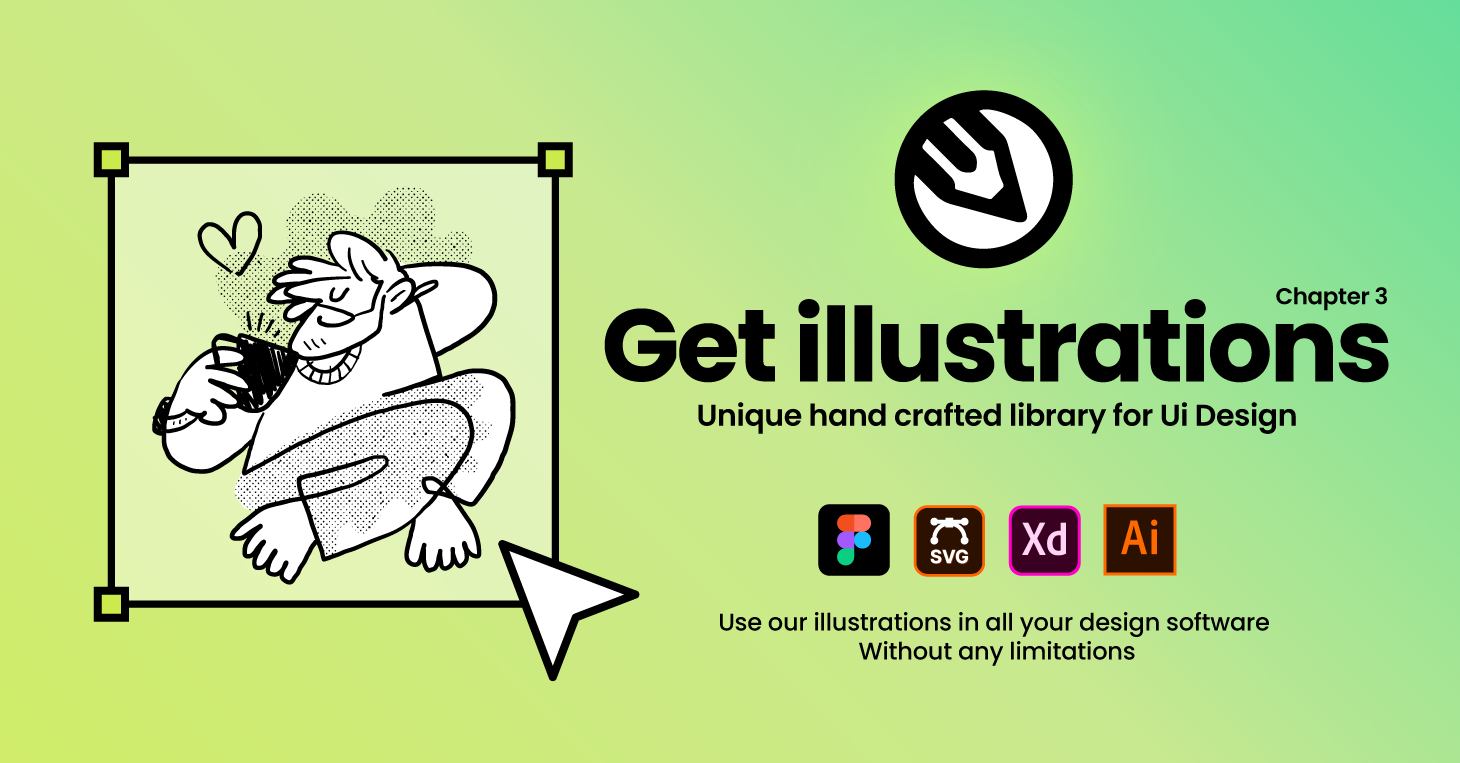
Getillustrations — Get vector illustrations for Websites and applications

40% OFF

Getillustrations — Get vector illustrations for Websites and applications

.

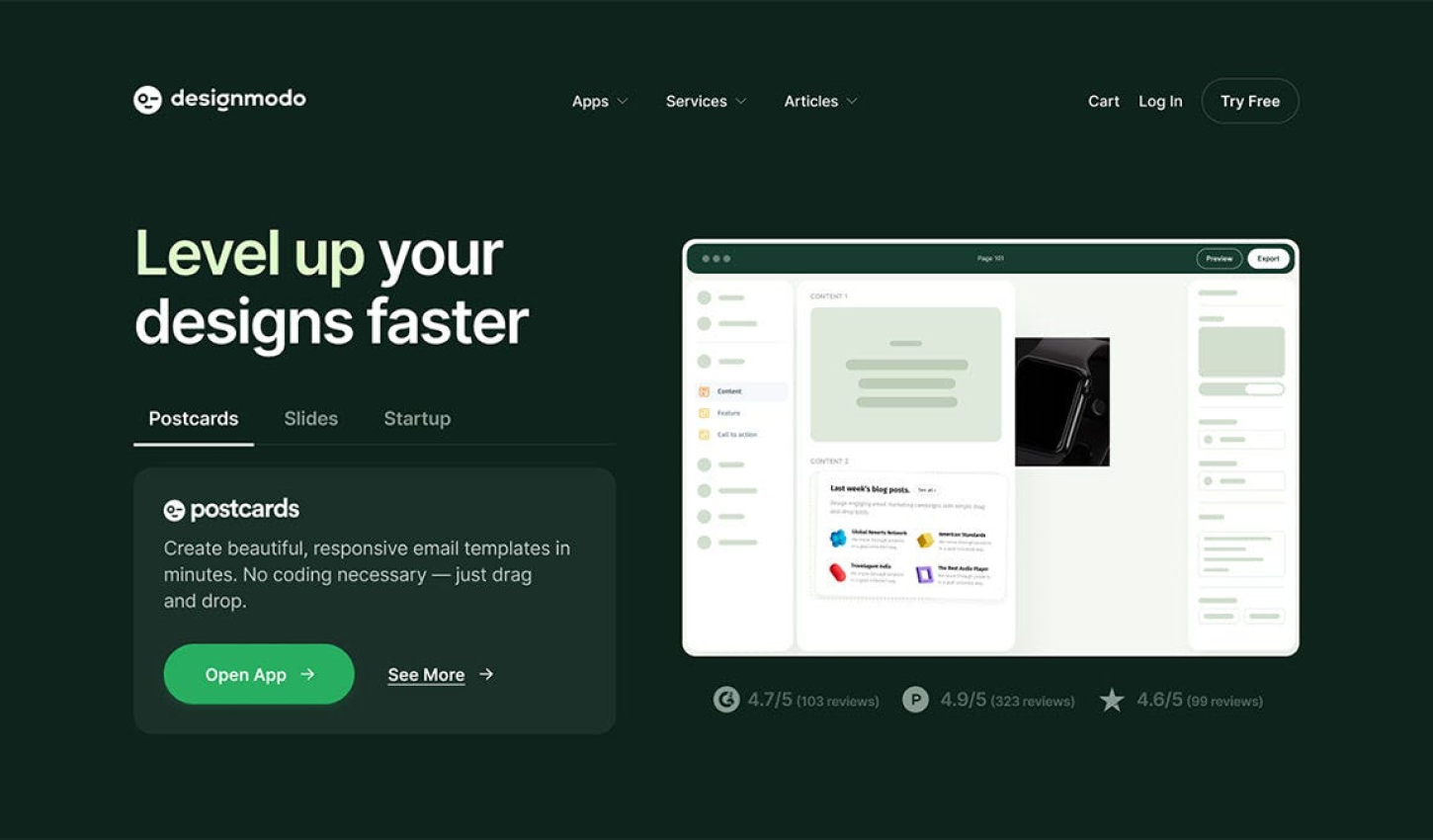
Designmodo: Create Email Newsletter Design & Website

40% OFF

Designmodo: Create Email Newsletter Design & Website

.

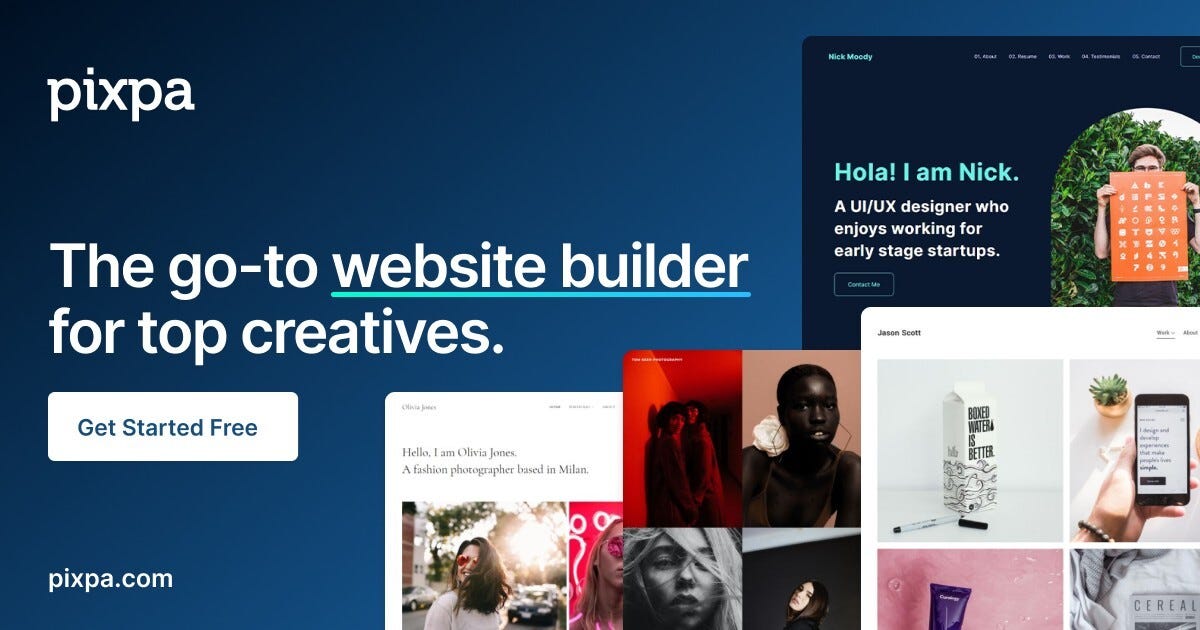
Pixpa— Create Your Awesome Portfolio Website

Create stunning websites, portfolios, stores, and blogs — all in one place. Save time & money!

55% OFF — code: BLFPIXPA5

.

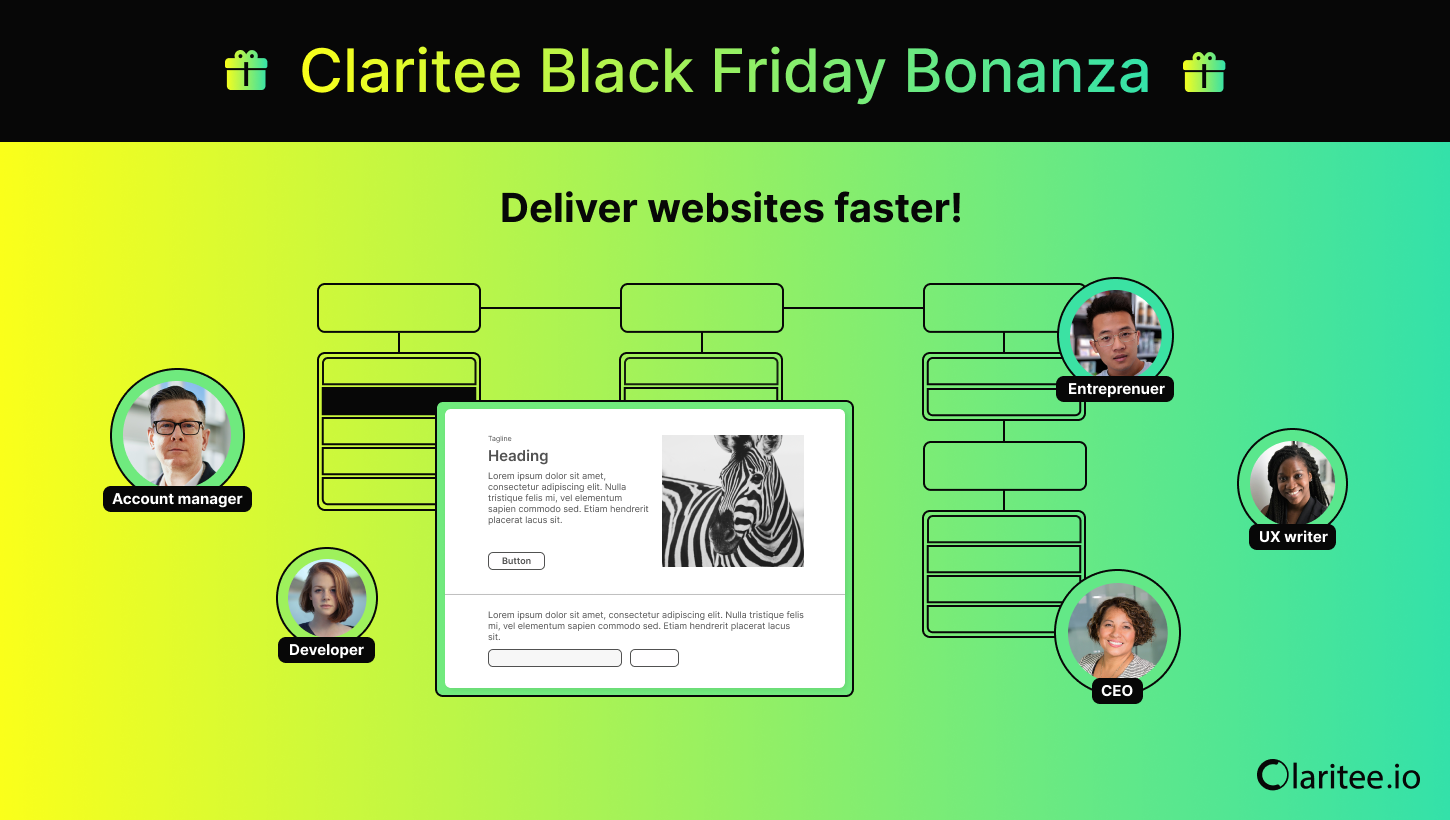
Claritee — Speed through the planning phase of website design with AI-powered sitemaps and wireframes

60% OFF

Claritee: Visual ideation tool for planning digital assets and design projects

.

Envato — Unlimited creative assets, all in one place.

30% OFF

Envato — Unlimited creative assets, all in one place.

.

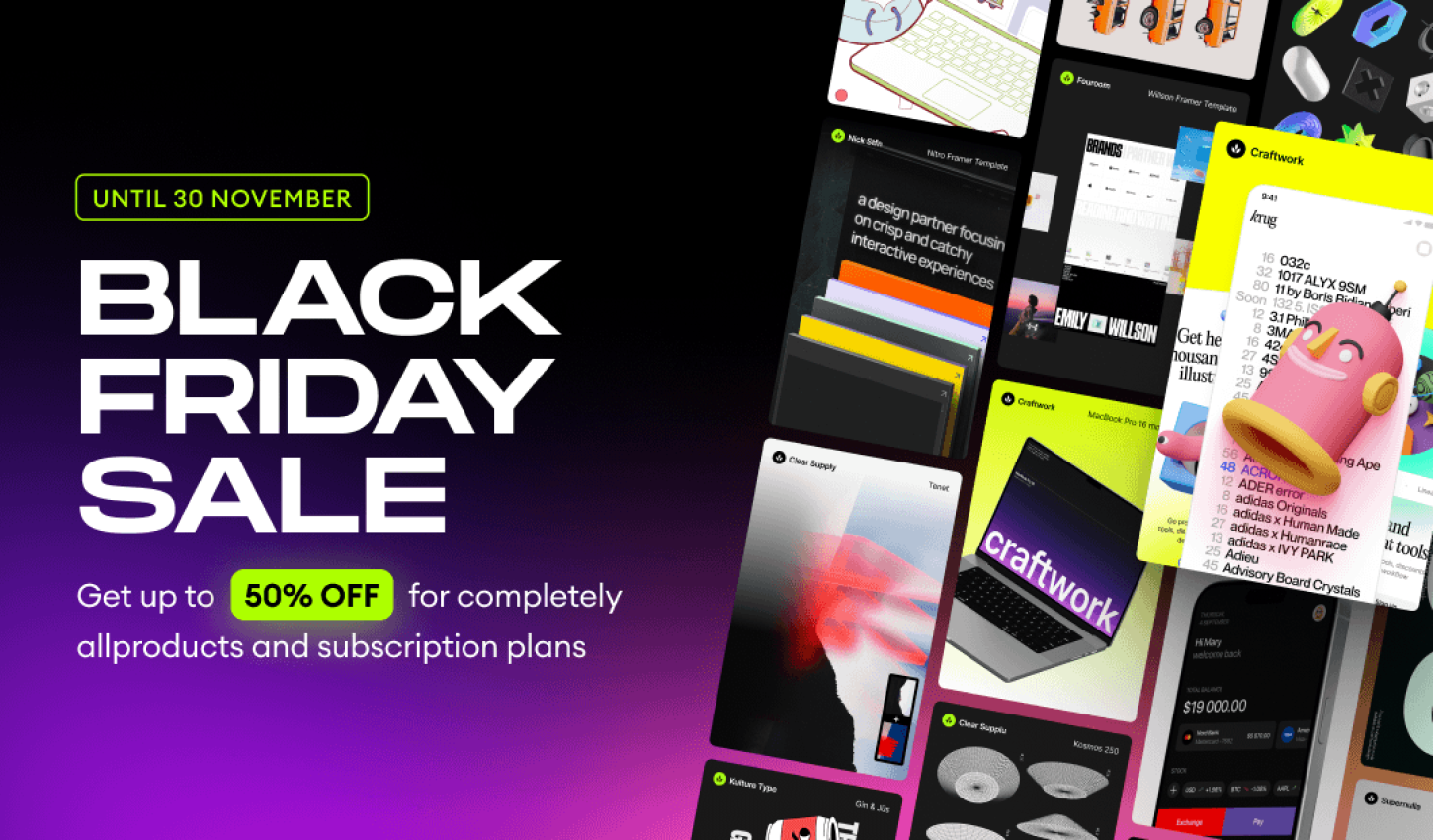
Craftwork : UX/UI kits, illustrations, mockups, fonts and more 

50% OFF

Craftwork : UX/UI kits, illustrations, mockups, fonts and more 

.

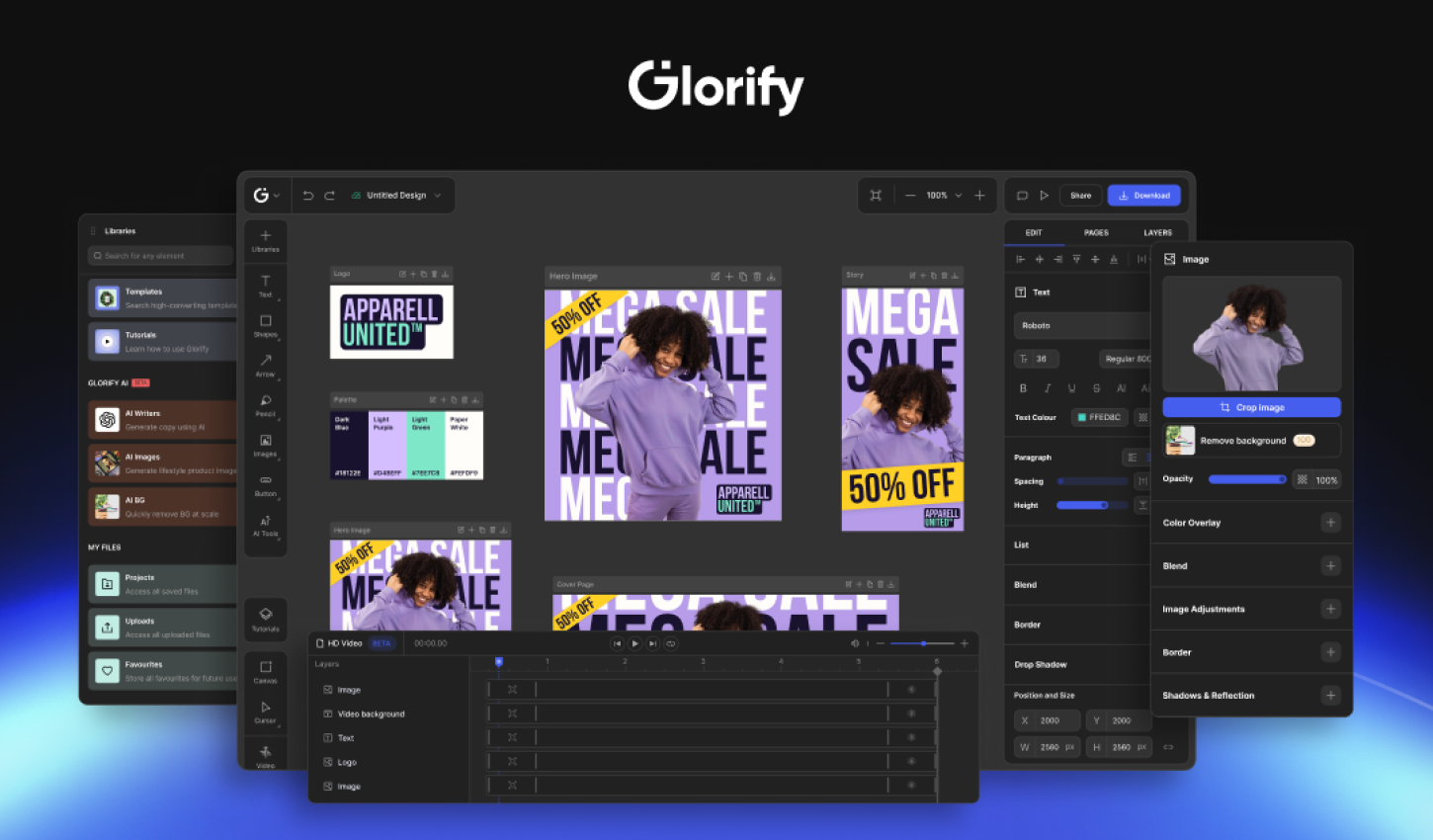
Glorify — Online Graphic Design Tool for E-com Business Owners — Black Friday Lifetime Deal 

78% – 89% OFF

Glorify — Online Graphic Design Tool for E-com Business Owners — Black Friday Lifetime Deal 

.

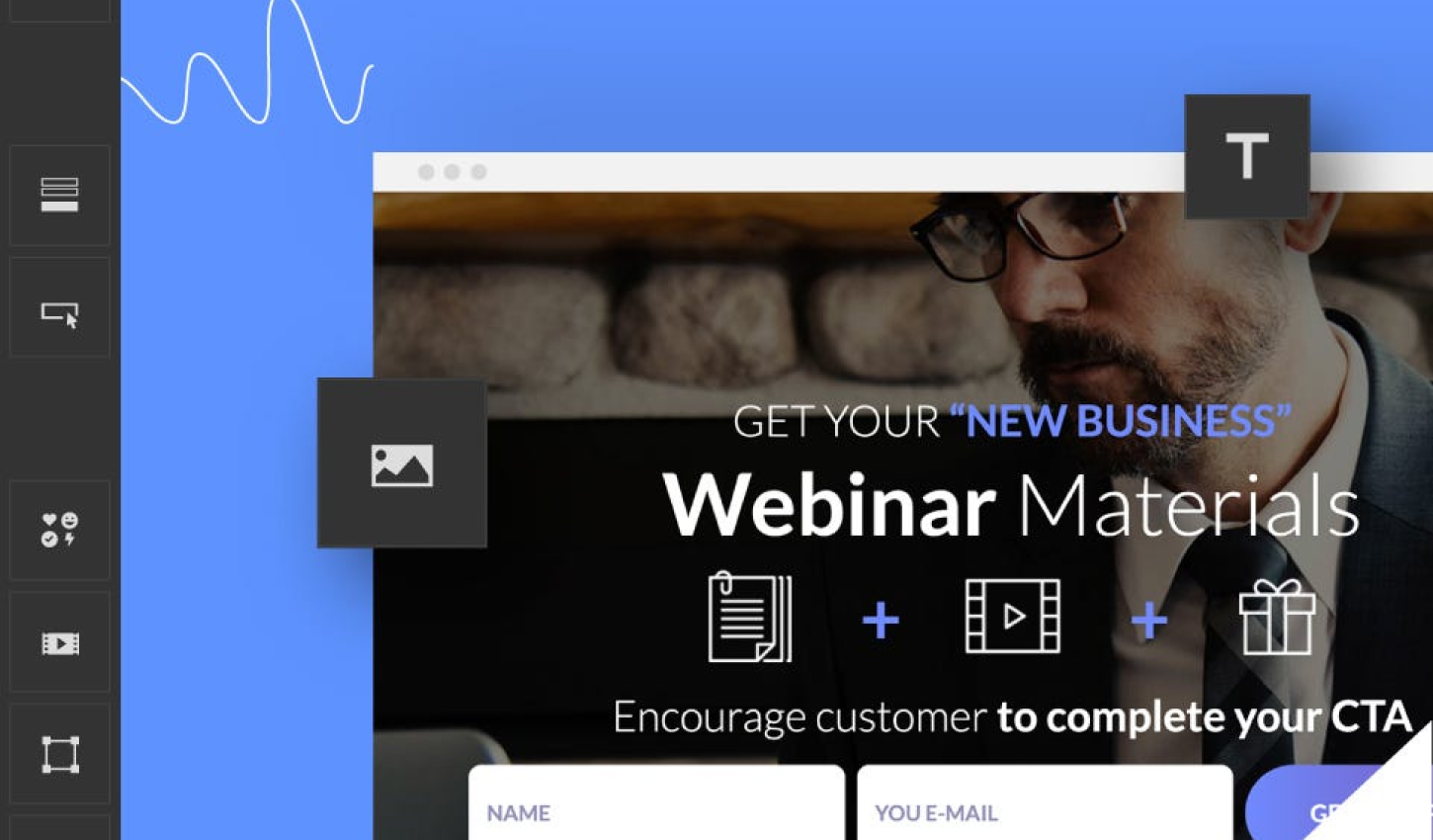
Landingi — No-code Landing Page Platform for Data-Driven Digital Marketers

29% – 36% OFF

Landingi — No-code Landing Page Platform for Data-Driven Digital Marketers

.

whiteui.store — High-quality UI kits and design resources

50% OFF

whiteui.store — High-quality UI kits and design resources

.

Designerup — Product Design (UX/UI) Course

Become the product designer you are meant to be with UX/UI courses, resources and community for mindful designers

Coupon Code: BF24–20% OFF

Designerup — Product Design (UX/UI) Course

.

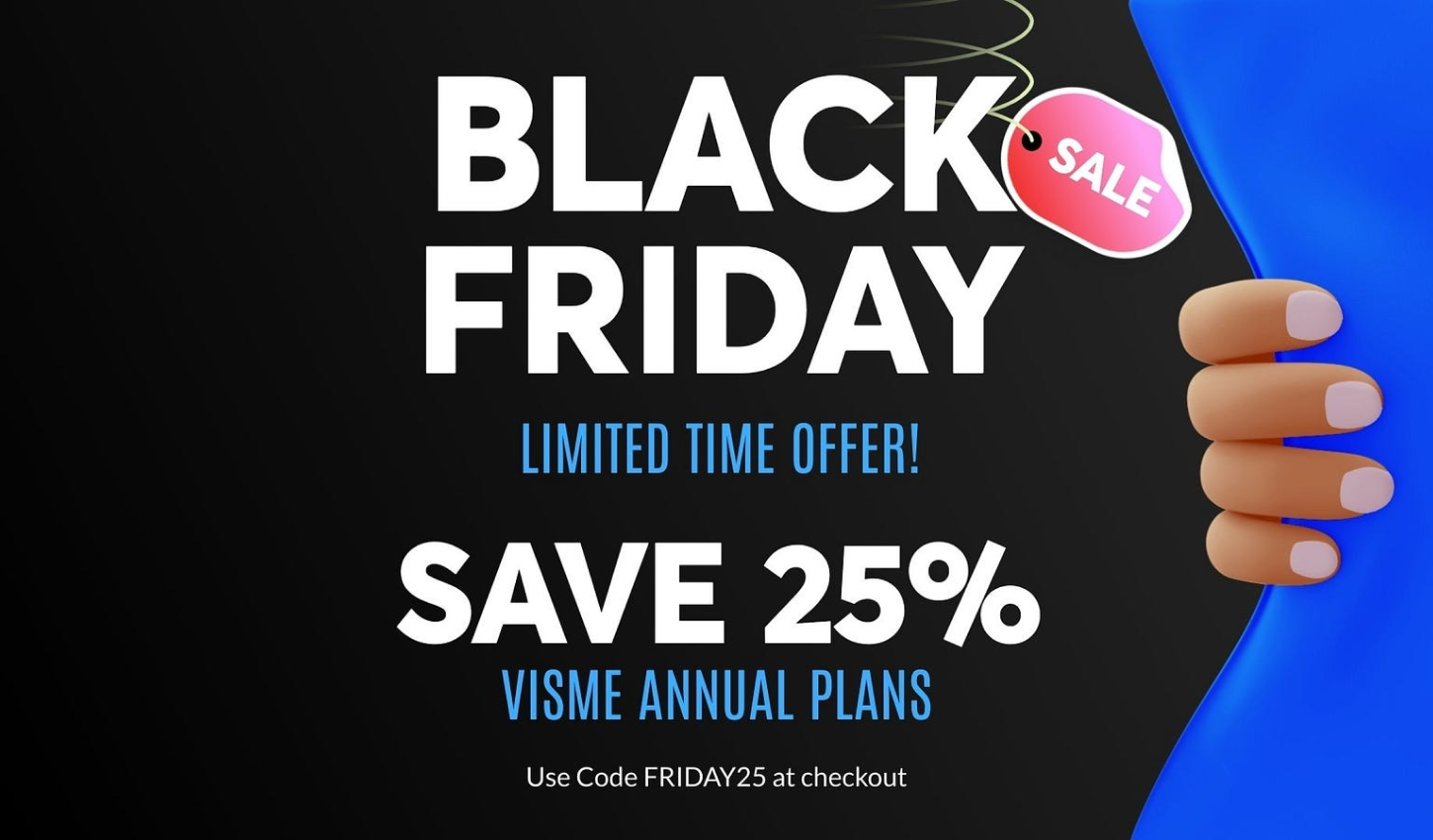
Visme: AI Presentation maker, Infographics, and One pager templates

25% OFF

Visme: AI Presentation maker, Infographics, and One pager templates

.

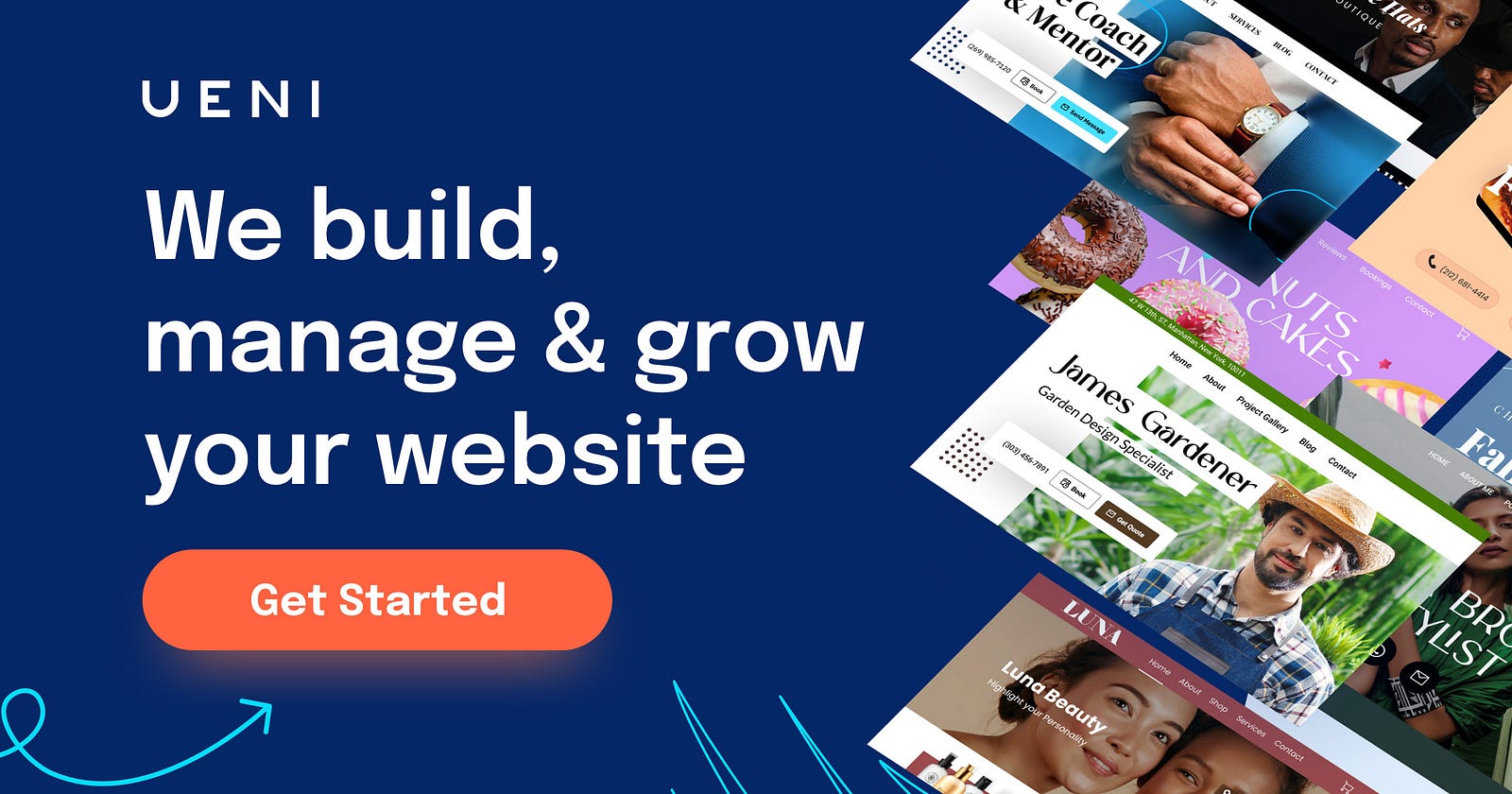
UENI —  Stunning websites for your small businesses.

67% OFF

UENI —  Stunning websites for your small businesses.

.

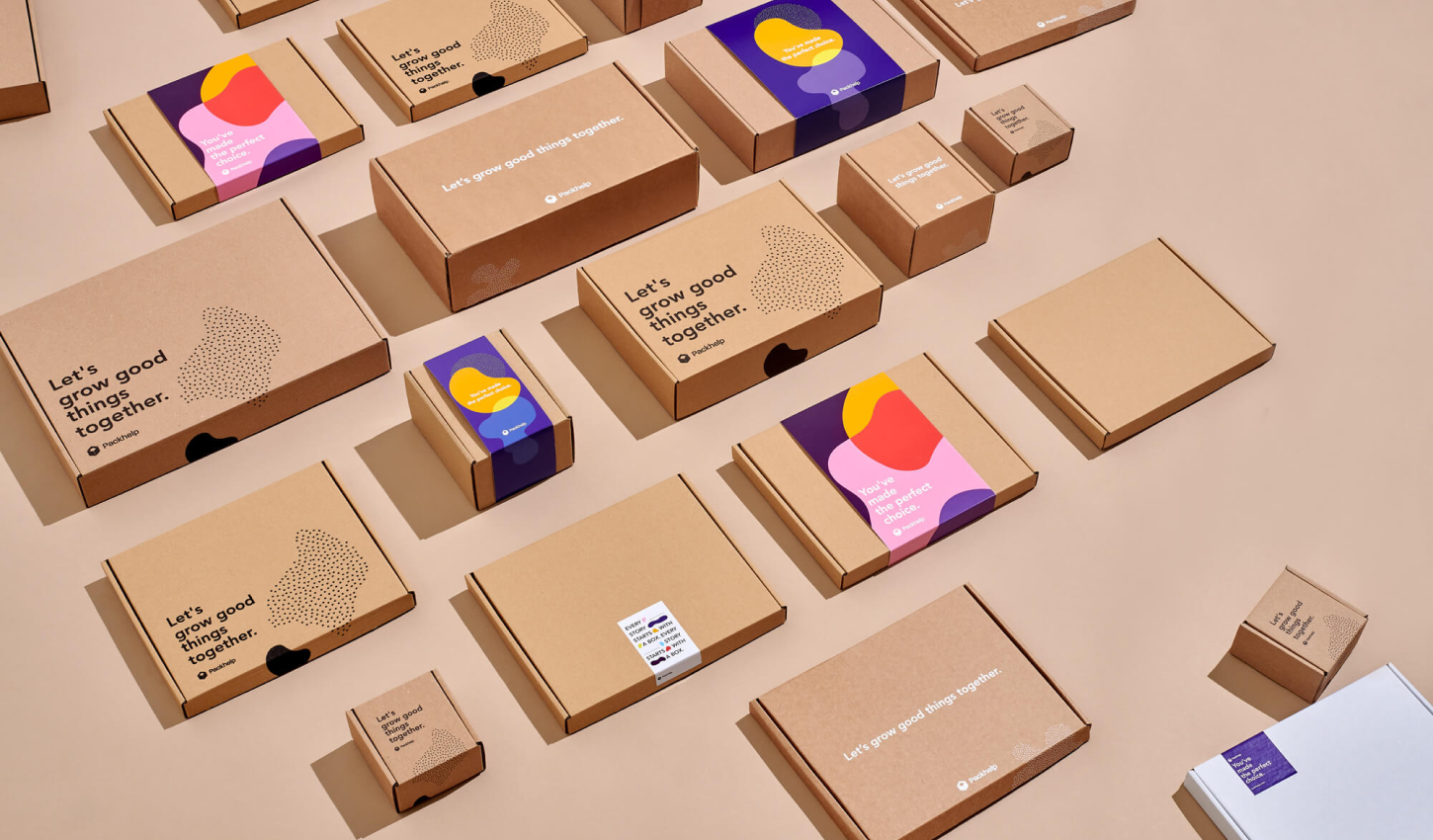
Packhelp — Custom packaging designed to fit your business

50% OFF

Packhelp — Custom packaging designed to fit your business

.

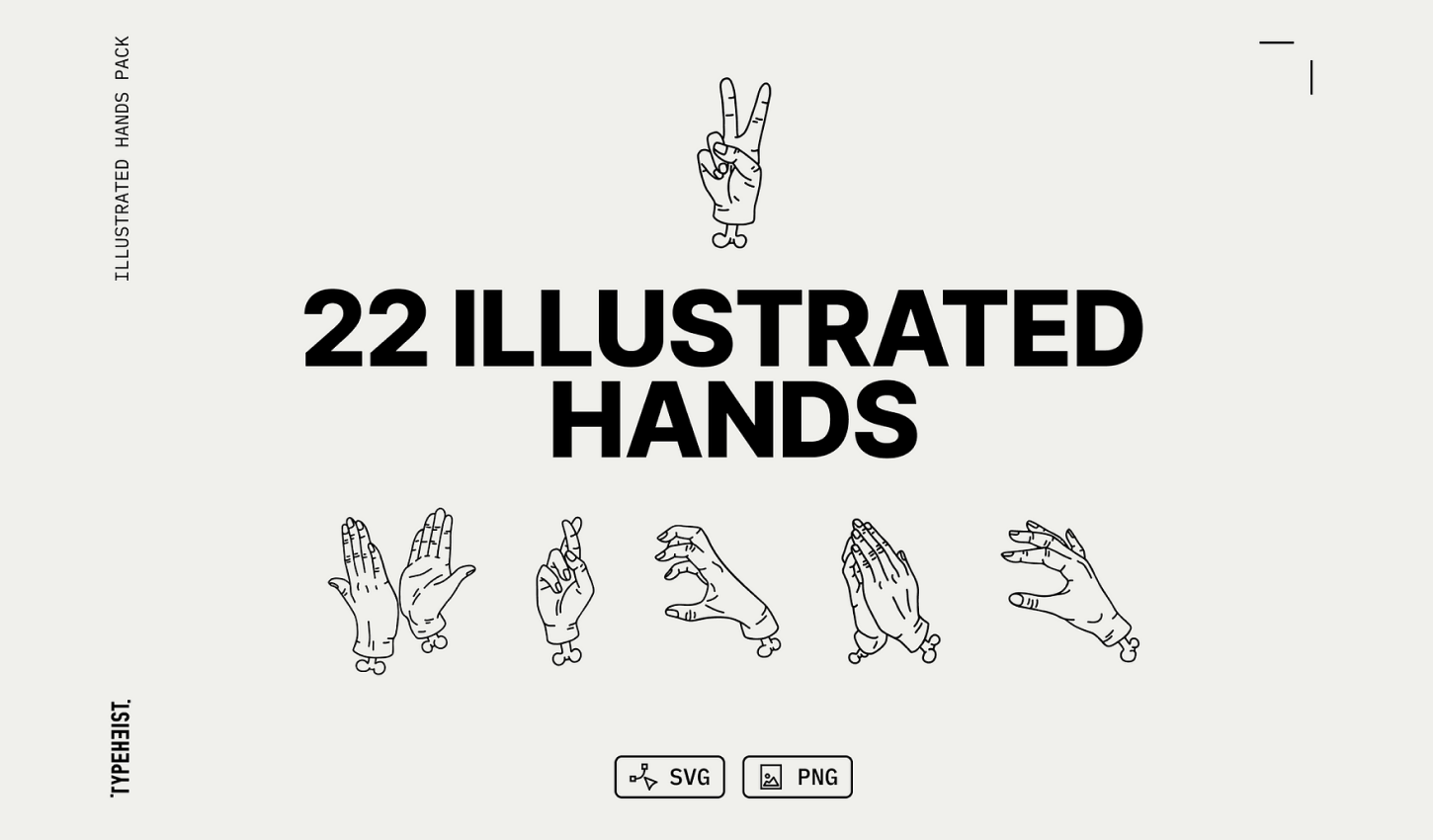
Illustrated Line Hands Pack

A vector pack with 22 hand-illustrated hand gestures in a fineline tattoo style. There are 22 common and quirky gestures in this pack, you’ll find something perfect for your unique designs.

20% OFF

Illustrated Line Hands Pack

.

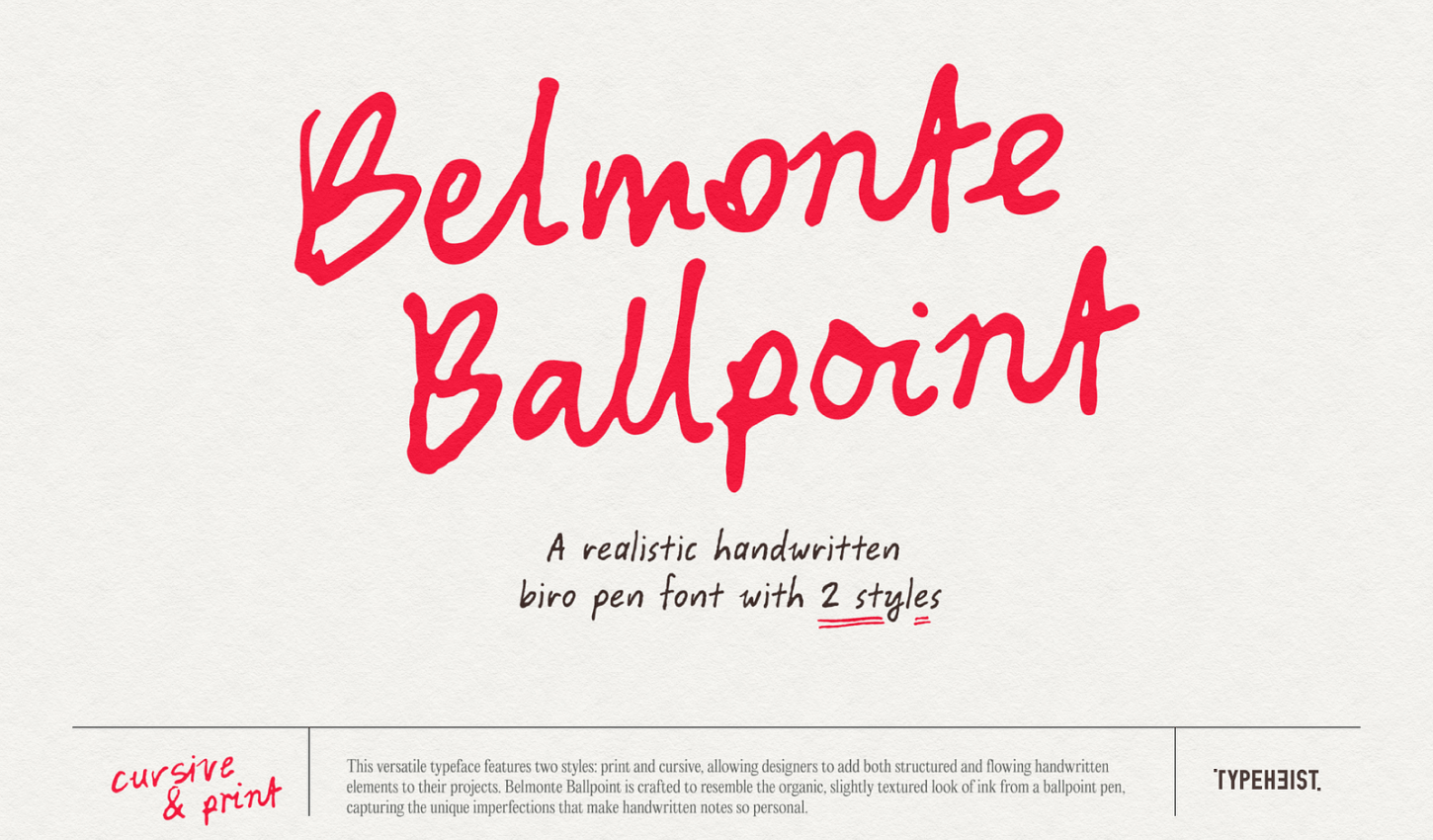
Belmonte Ballpoint

This versatile typeface features two styles: print and cursive, allowing designers to add both structured and flowing handwritten elements to their projects.

20% OFF

Belmonte Ballpoint

.

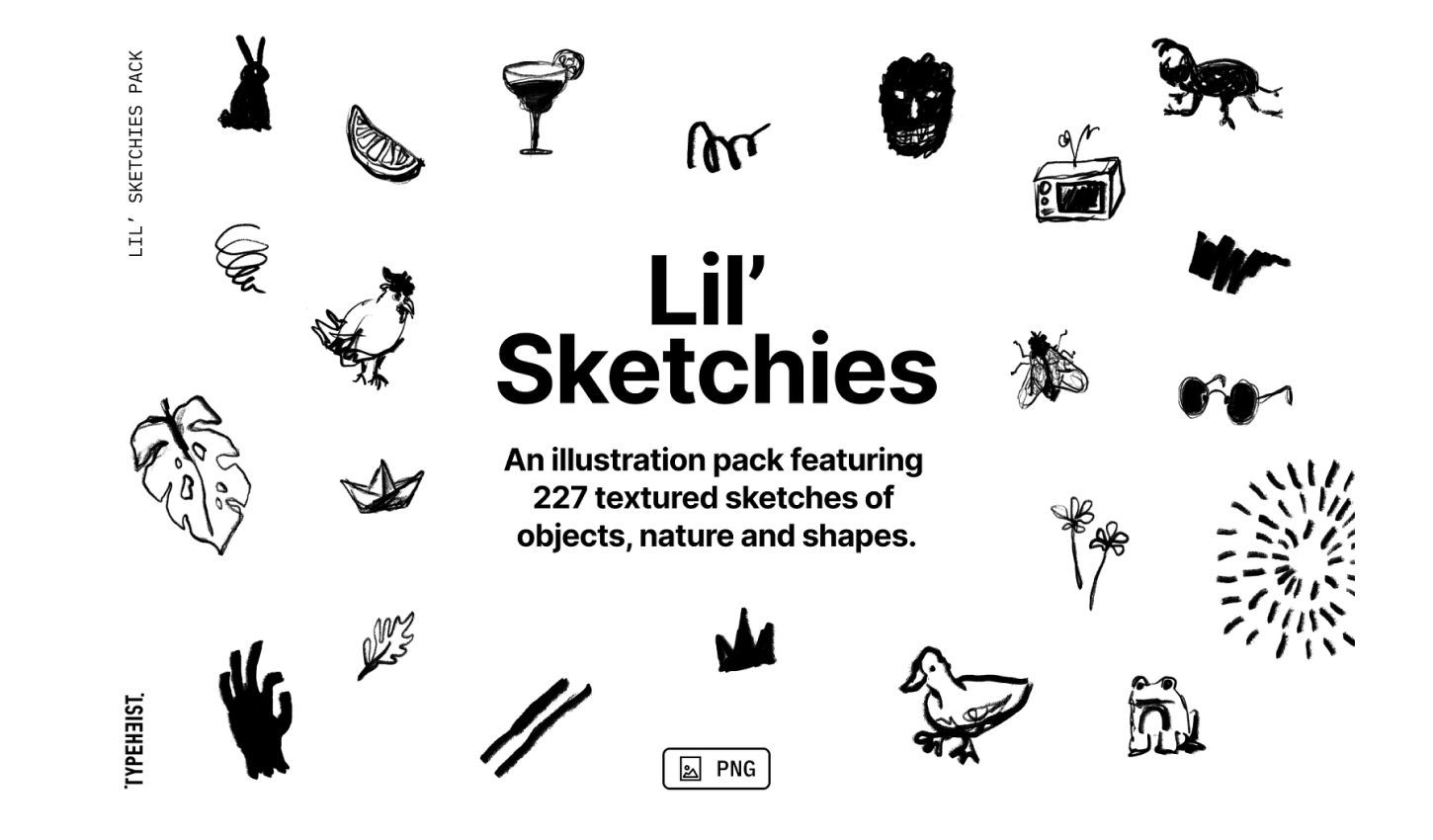
Lil’ Sketchies

Lil’ Sketchies is a scribbly illustration pack featuring 227 textured sketches of objects, nature, shapes and social icons.

20% OFF

Lil’ Sketchies

.

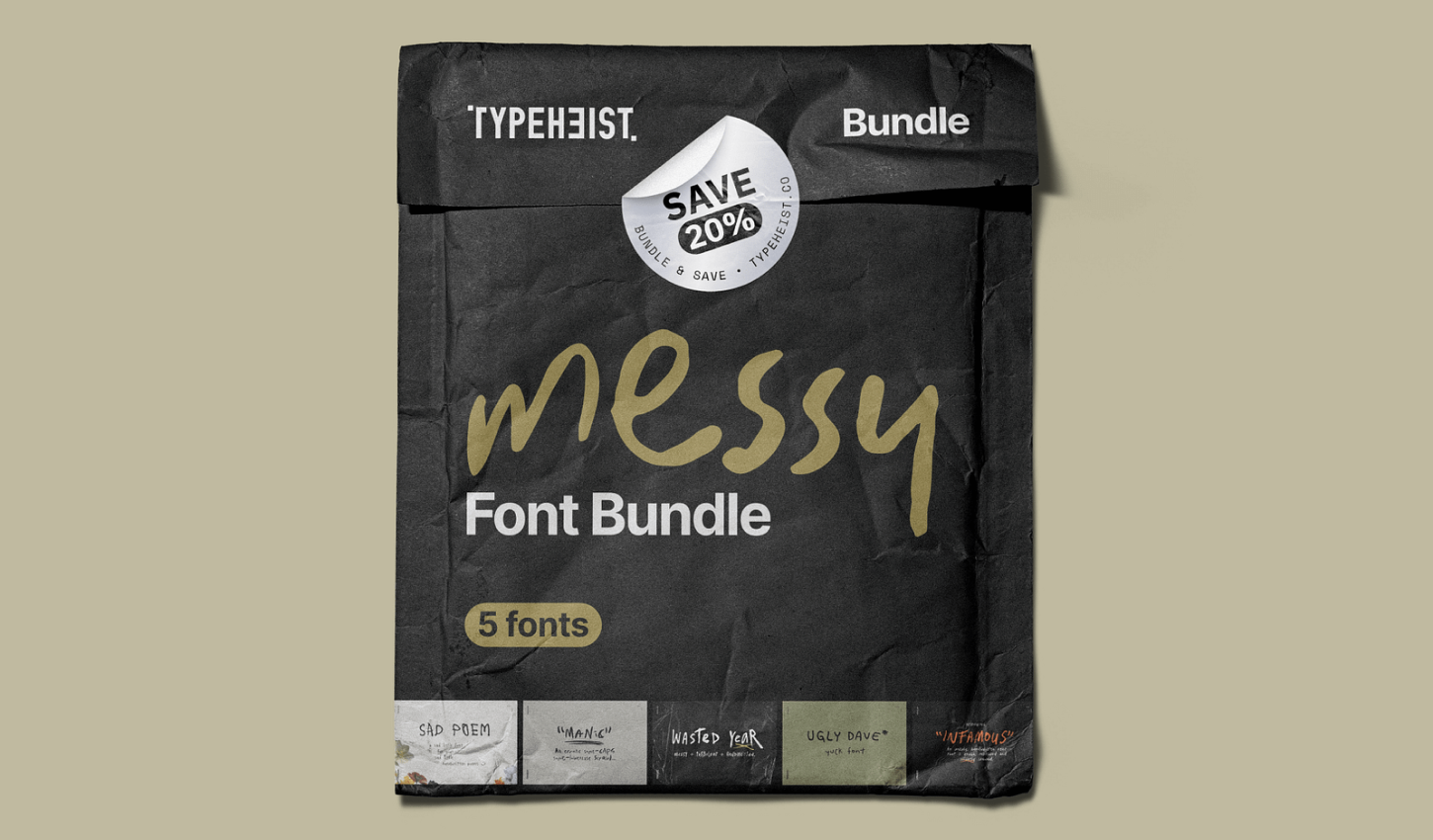
Messy Font Bundle 

What you’ll get in the Messy Font Bundle: — 5 messy handwriting fonts and up to 25% off (for desktop + web bundle) — Manic Erratic Handwriting Font — Ugly Dave Yuck Font — Infamous Unruly Font — Sad Poem Font — Wasted Year Font

20% OFF

Messy Font Bundle 

.

Channelwill: Trusted Shopify Experts for eCommerce Solutions

Boost your BFCM sales with our powerful apps to enhance conversions and customer loyalty. Get 50% off and start your 14-day free trial now!

50% OFF

Channelwill: Trusted Shopify Experts for eCommerce Solutions

.

icons8 , Original stock graphics by our team, plus design apps and AI tools

20% Off

icons8 , Original stock graphics by our team, plus design apps and AI tools

.

ProtoPie’s — #1 advanced prototyping tool for dynamic & multimodal interactions

up to 40% OFF – code:PRO40

ProtoPie’s — #1 advanced prototyping tool for dynamic & multimodal interactions

.

More Black Friday & Cyber Monday Deal Coming soon

Please share the love with your fellow designers!

Copy and paste the below to share:

2024 Black Friday & Cyber Monday deals for graphic and web designers! https://muz.li/blog/2024-black-friday-cyber-monday-deals-for-designers #BlackFriday #CyberMonday via @usemuzli


Want even more inspiration?
Follow us on social media for your daily dose of design, innovation, and creativity right in your feed!
Linkedin | Instagram | Twitter
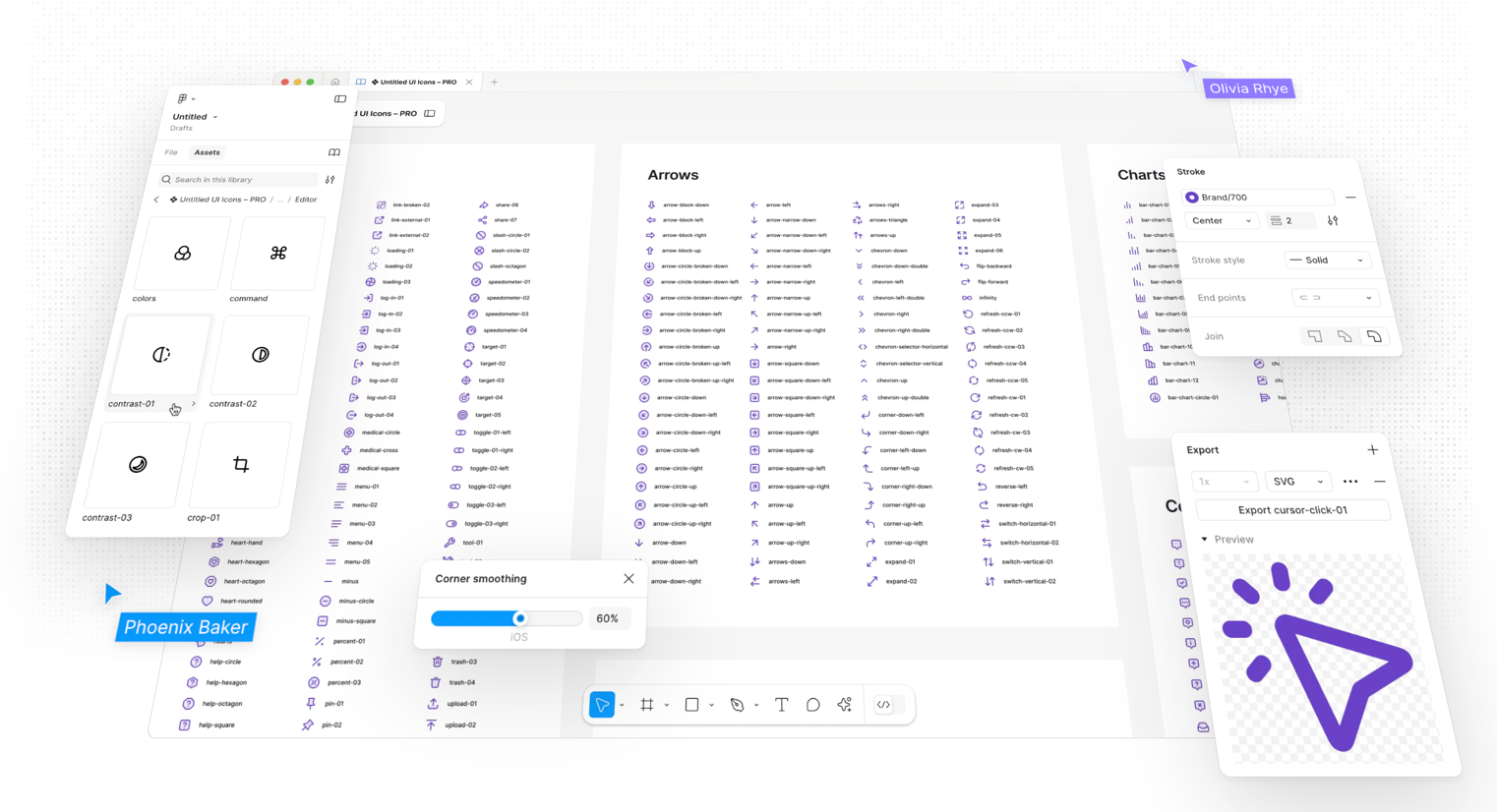
Choosing the Right Icon Set for SaaS Product Design

How to Select the Best Icons for Your SaaS Product in 2024


🔥 Looking for the best free UI icon libraries in 2026? Explore our curated selection of icon sets that actually hold up in real interfaces.


Icons are a small but mighty part of SaaS product design. They help users navigate, understand, and interact with your product seamlessly. But with so many icon sets out there, how do you choose the right one? Let’s dive into what you need to consider and explore some inspiring options.

Key Considerations for Choosing an Icon Set

1. Icon Variety

Ever fallen in love with an icon set only to find it lacks the icons you need? It’s frustrating, especially for large projects. When choosing an icon set, ensure it offers a wide range of icons. A comprehensive set covers all your needs, from common actions like saving and deleting to specific functions unique to your product. This variety helps maintain a consistent look and feel across your entire project.

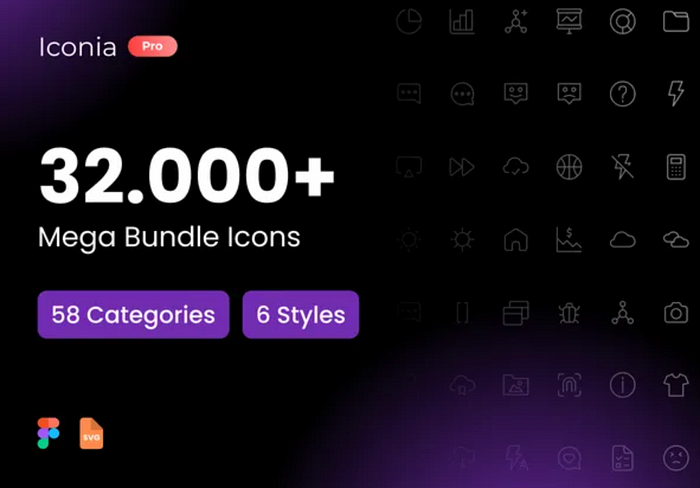
Iconia Pro | 32,000+ Icons

2. Vector Icons for Scalability

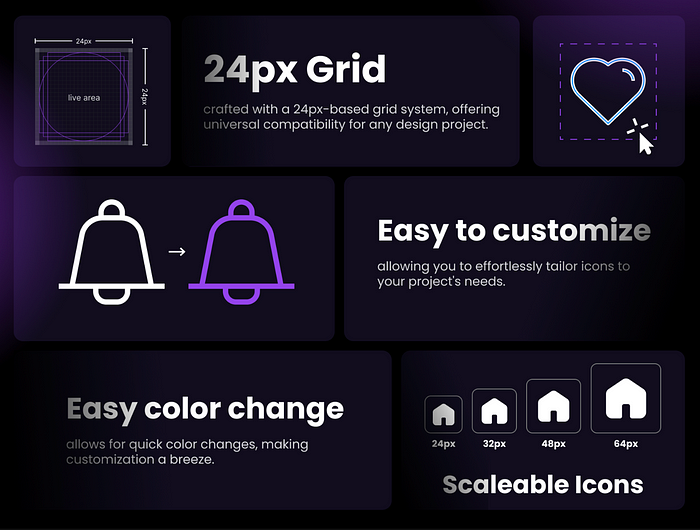
Scalability is crucial. Icons need to look good on all screen sizes, from mobile to desktop. Vector icons, especially SVGs, are perfect because they can be resized without losing quality. They’re also easy to customize — change colors, shapes, or sizes to fit your design without any loss of detail. Plus, vector icons are lightweight, which means faster load times and a better user experience.
Iconia Pro | 32,000+ Icons

3. Icon Font Libraries

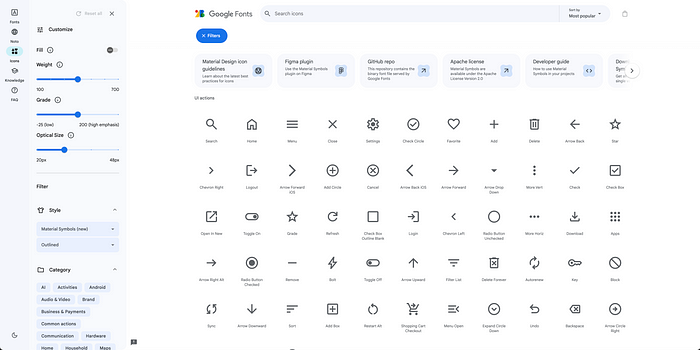
Icon font libraries like Font Awesome or Material Icons are incredibly convenient. You can treat icons just like text, applying CSS properties to change their color, size, and more. This makes them highly flexible and easy to manage. They also scale well, ensuring your icons look sharp on any device. And with thousands of icons available, these libraries usually have you covered for any design need.
fonts.google.com

4. Multiple Styles in Icon Sets

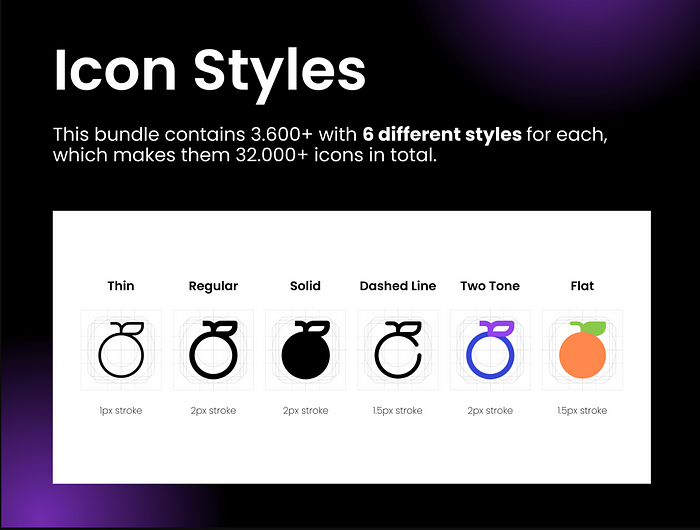
Flexibility is key. Icon sets that offer multiple styles — like line, filled, and colorful versions of the same icon — give you the versatility to adapt to different design contexts while keeping a consistent visual language. For example, you might use line icons for secondary actions and filled icons for primary actions. This differentiation helps users quickly understand and interact with your interface.

Iconia Pro | 32,000+ Icons

Tools for Managing Icon Libraries

Managing a large icon library can be daunting, but organizing them properly in a design system or using the right tools can make a huge difference:

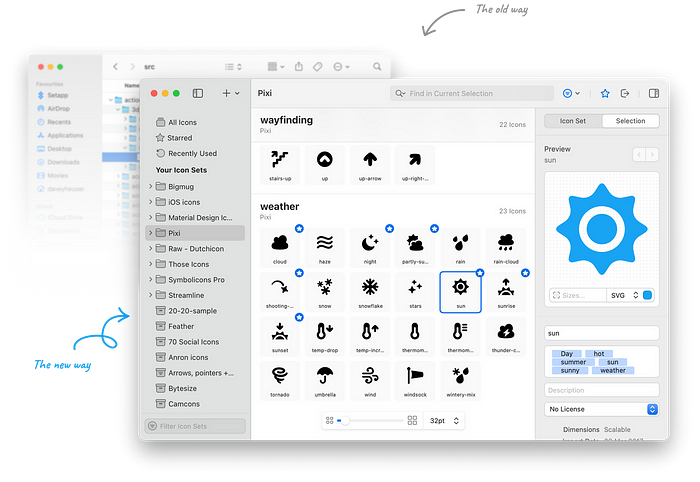
IconJar: This tool lets you organize and manage your icons efficiently. You can search, drag and drop, and export icons easily. It’s perfect for keeping your icon collection tidy and accessible.


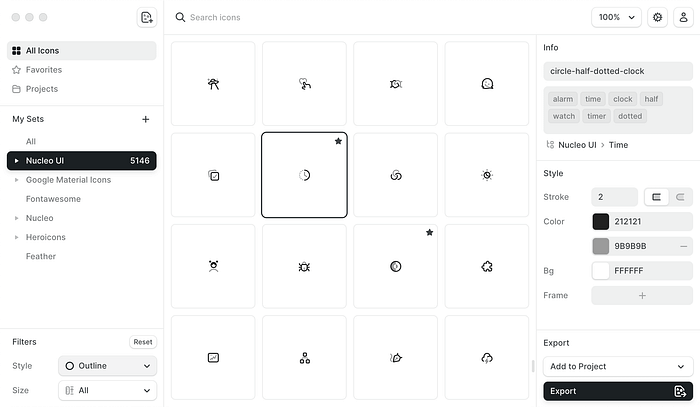
Nucleo: With Nucleo, you can organize, customize, and export icons seamlessly. It also offers a large library of icons in multiple styles. It’s a great tool for maintaining consistency and ease of use in your design projects.


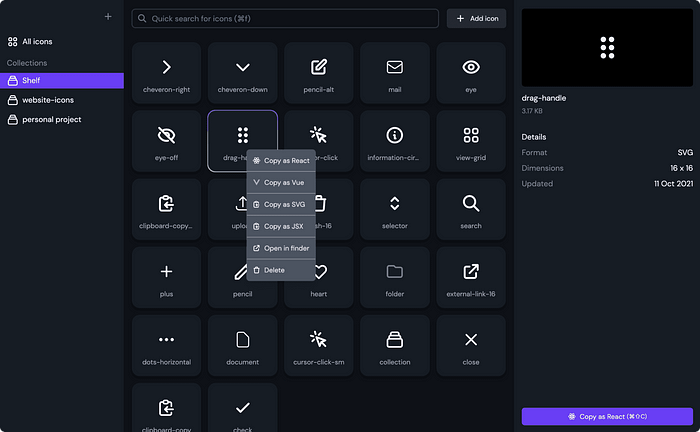
IconShelf: IconShelf is a powerful tool for organizing and managing your icon libraries. It supports various formats and allows you to keep all your icons in one place, making it easy to find and use them when needed.


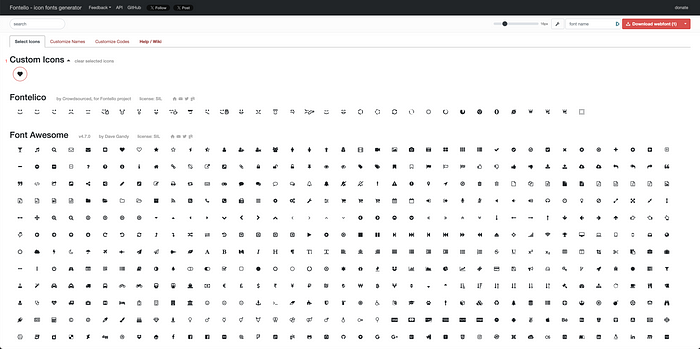
Fontello: Fontello allows you to create custom icon fonts from a selection of icons, simplifying the integration of icons into your projects. It helps in managing icon fonts effectively, ensuring that your icons are scalable and easy to use.

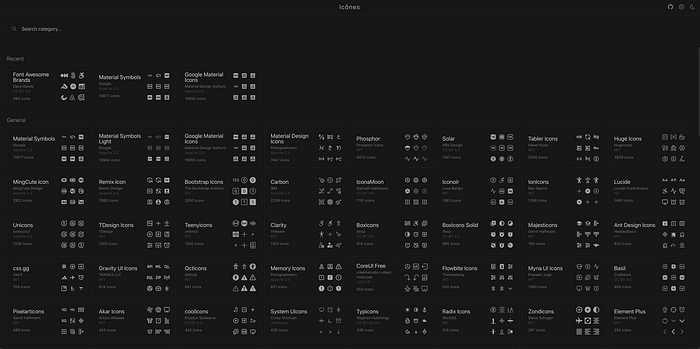
Icones: is a comprehensive platform for browsing and exploring a vast collection of icons from various sources. It provides an intuitive interface for searching and previewing icons, making it easy to find the perfect icons for your projects and integrate them seamlessly.

Websites for Purchasing High-Quality Icons

If you’re looking to buy high-quality icons, here are some excellent websites to consider:

  • UI8: UI8 offers a wide range of high-quality icons and other design assets, perfect for professional use.
  • Iconscout: Provides a vast library of icons, illustrations, and other design resources. You can purchase individual items or subscribe for access to their entire collection.
  • Iconfinder: Offers a vast collection of icons in various styles. You can purchase individual icons or subscribe for unlimited downloads.
  • The Noun Project: Provides a wide range of icons created by designers from around the world. You can buy icons individually or subscribe for unlimited access.
  • Icons8: Offers a large library of free and premium icons in multiple styles. Icons8 also provides tools for customizing and managing icons.
  • Flaticon: Features a huge selection of free and premium icons. You can download icons in various formats and styles.
  • Streamline Icons: Known for its high-quality, detailed icons, Streamline Icons offers a comprehensive library that’s perfect for professional projects.

Inspirational Icon Sets

Here are some top-notch icon sets to consider:

  • Feather Icons: Simple, elegant, and open-source, Feather Icons are perfect for modern, clean interfaces.
  • Font Awesome: This popular library offers a vast range of icons with extensive customization options.
  • Material Icons: Created by Google, these icons follow Material Design guidelines and come in both line and filled versions.
  • Heroicons: Beautiful, hand-crafted SVG icons available in outline and solid versions, suitable for various design needs.

Conclusion

Choosing the right icon set is crucial for creating a seamless, intuitive user experience. Look for a set with a wide variety of icons, opt for scalable vector icons, consider using icon font libraries, and choose sets with multiple styles for flexibility. Tools like IconJar, Nucleo, and Fontello can help you manage your icons efficiently. By keeping these tips in mind, you’ll be well on your way to selecting the perfect icons for your SaaS product, ensuring it’s both functional and visually appealing.

Remember, the right icons do more than just look good — they enhance usability and make your product more intuitive and enjoyable for your users.

And finally, how can we end without a bit of icon inspiration? Here are some excellent icon sets to get your creative juices flowing:

ICONSAUR — User Interface Icon Set

2400+ unique handcraft UI icons. Based on Bootstrap. SVG, PNG, and Figma components inside.

.

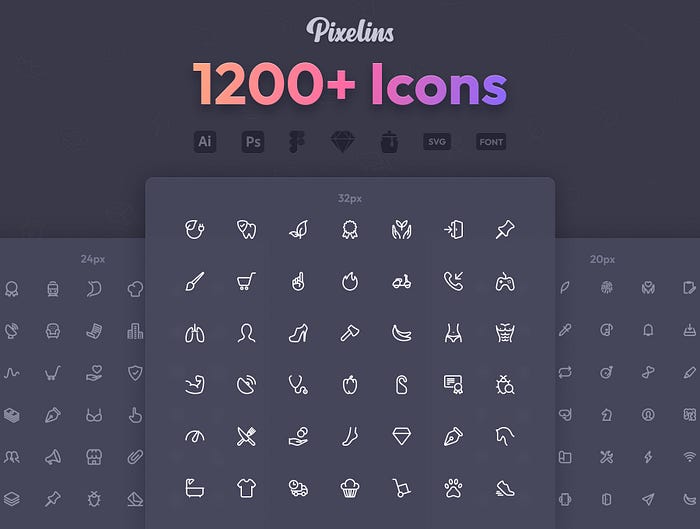
Pixelins Thin Icons

high-quality icon set with 1236 icons carefully crafted on 20–24–32px grid sizes, including hand-optimized 1 & 2px stroke variations for each grid. 1236 icons × 3 grids × 2 strokes, in total you get 7416 pixel perfect icons.

.

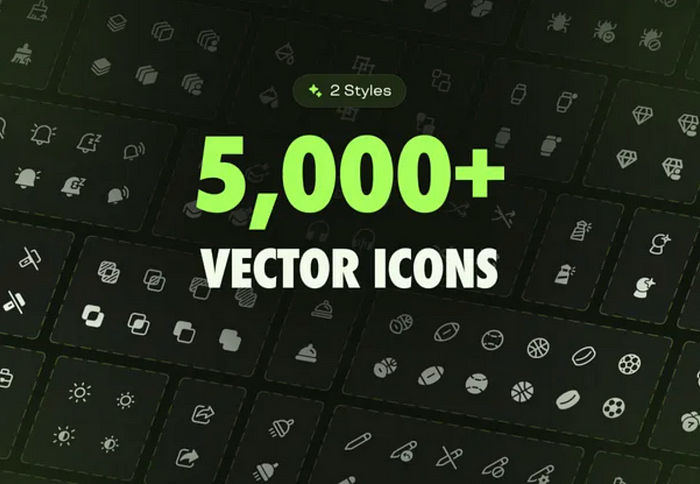
Emerald Icons — 5,000+ Icons

5000+ icons & 150+ social media icons and company logos. Emerald Icons is a high-quality vector UI icons library that provides multiple formats and styles. Made for designers and developers.

.

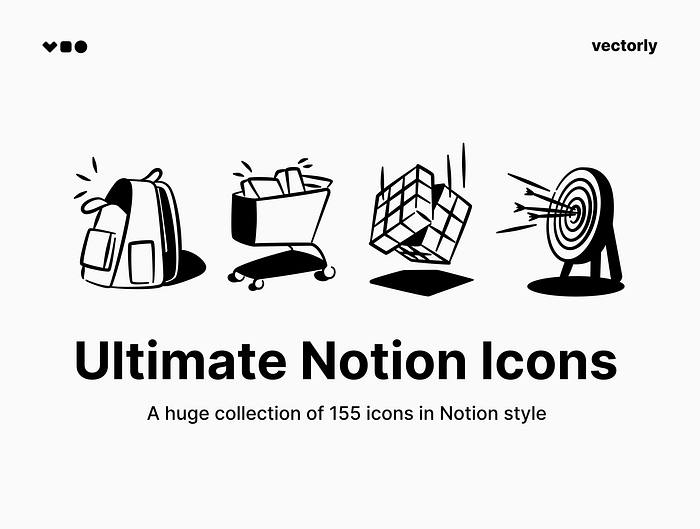
Ultimate Notion Icons

A huge collection of 155 icons in Notion style. These icons illustrations will fit nicely into the design of your presentations, web pages, UI design and social media posts.

.

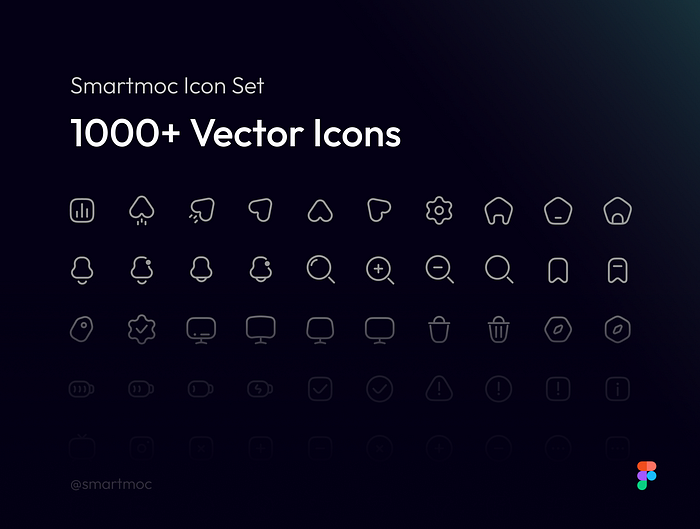
Smartmoc Icon Set | 1,000+ Icons

1,000+ high-quality icons for professional websites & apps — ready to use in all your projects

.

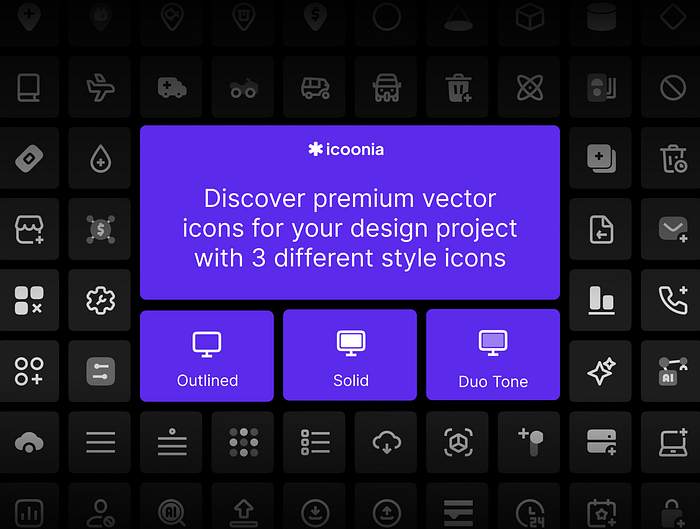
Icoonia Pro | 8.000+ Ultimate Vector Icon

8000+ system icons for your project websites, desktop, mobile apps and your de

.

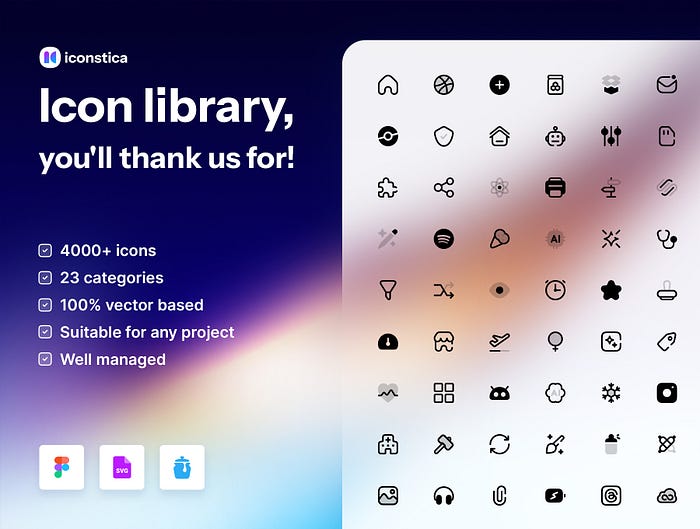
Iconstica Icon Pack — 4000+ Icons Set

High-quality icons in 23 categories for professional websites, web & mobile apps


Want even more inspiration?
Follow Muzli on social media for your daily dose of design, innovation, and creativity right in your feed!
Linkedin | Instagram | Twitter